
Security at SyncSignature
What we can access in your Google Workspace or Microsoft 365 tenant, where your data is stored, how accounts are protected, and what we do not offer yet. Written for IT admins and security reviewers who want facts, not badges.

Is SyncSignature secure to connect to Google Workspace or Microsoft 365?
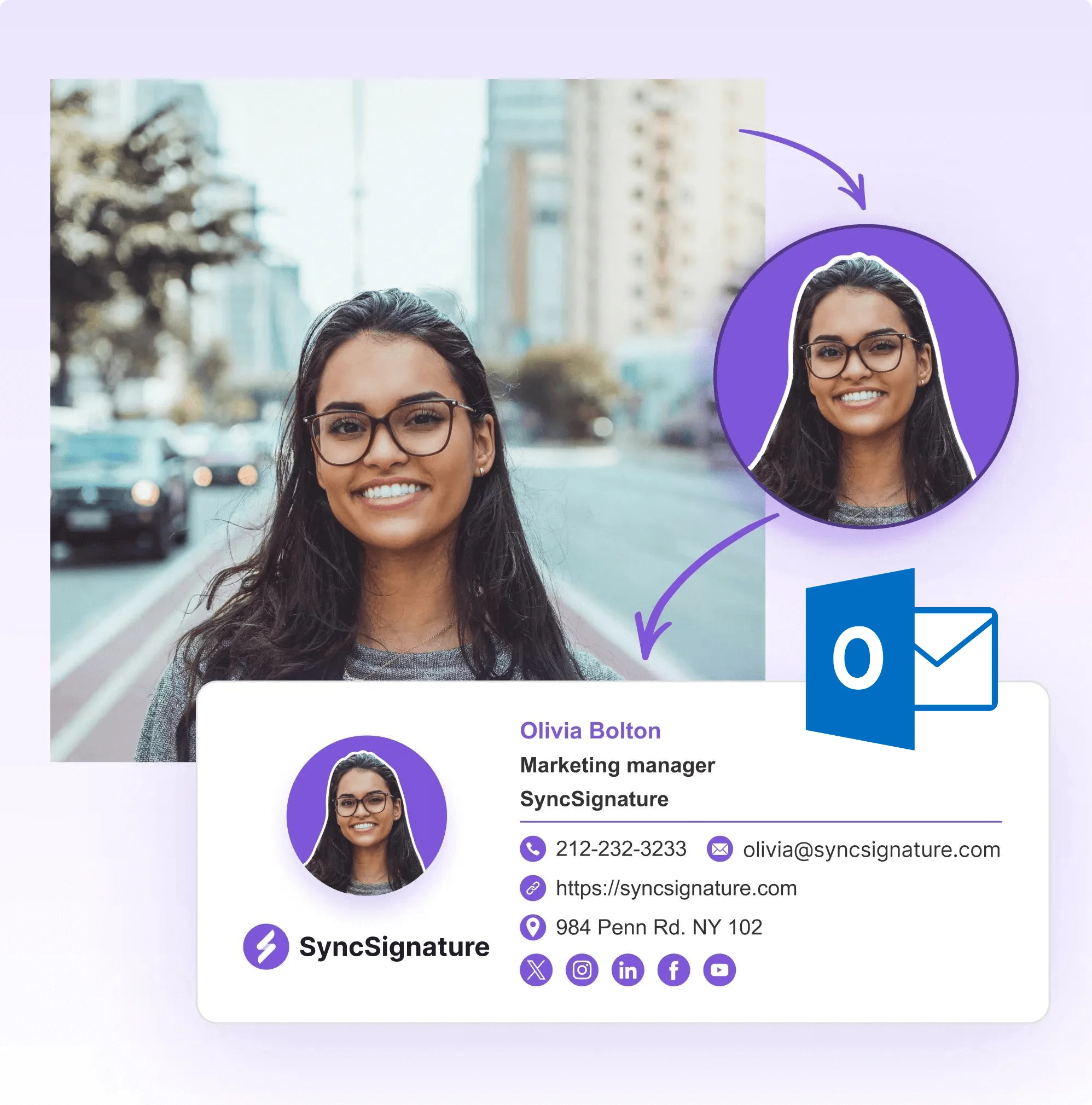
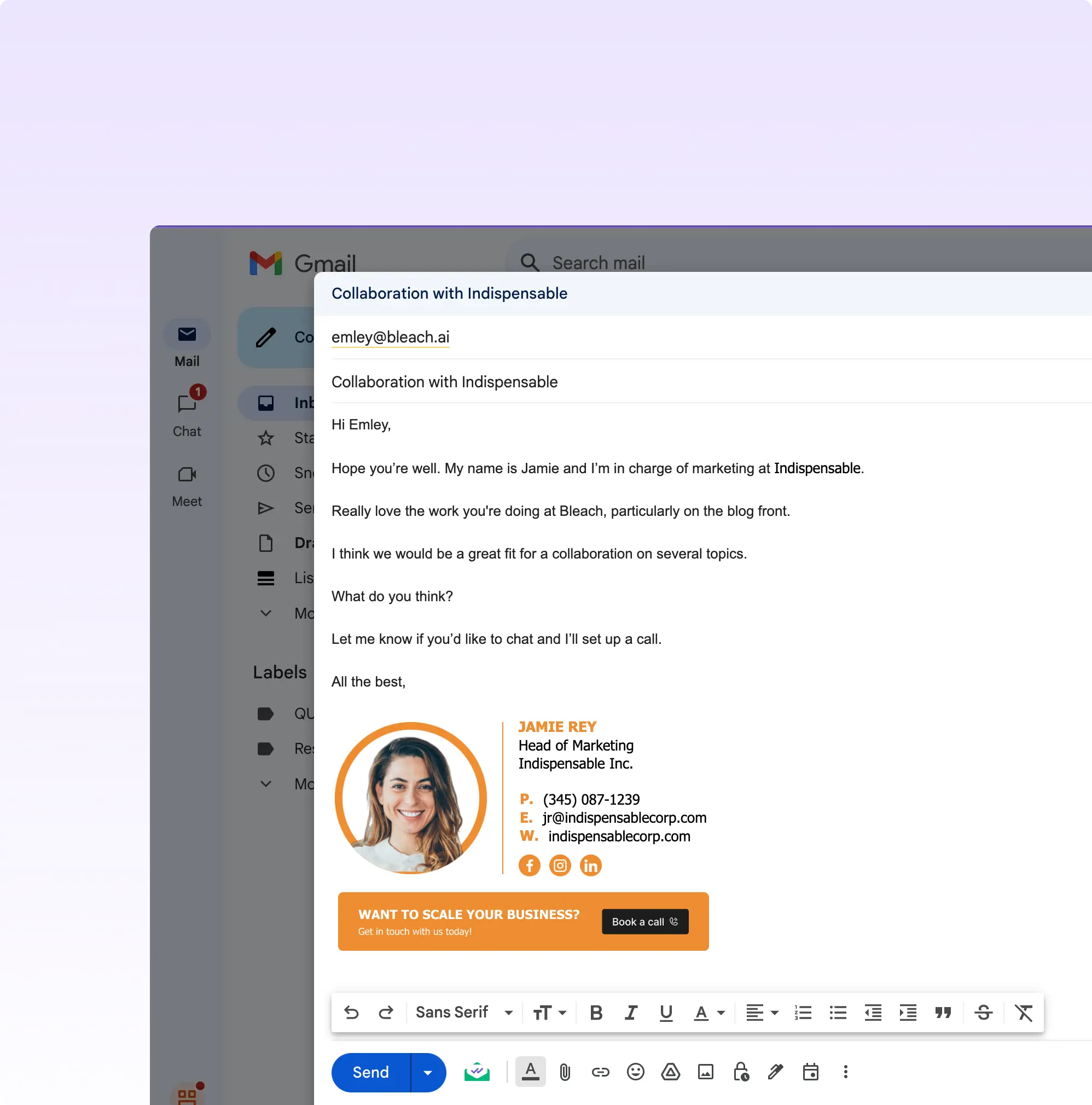
SyncSignature reads employee directory fields (name, job title, department, phone) and writes email signatures. It never reads the subject, body, attachments, or recipients of your email. On Google Workspace, every permission we request covers the user directory, Gmail signature settings, or app licensing. On Microsoft 365, the Microsoft Graph permissions cover sign-in and directory reads only, and our Outlook add-in inserts the signature into the email you are writing without reading it.
The rest of this page lists each permission and what it is used for, where data is stored, how accounts are protected, and the security controls we do not offer yet. For how this maps to HIPAA, FINRA, and GDPR, see our email signature compliance posture.
Trusted by 1,200+ companies worldwide




























Security controls at a glance
A direct Yes/No for the questions security questionnaires ask most. Where the answer is No, it is No today.
| Capability | SyncSignature |
|---|---|
| Reads the subject, body, attachments, or recipients of email | No |
| Requests any Gmail or Microsoft Graph permission that exposes message content | No |
| Hosting | AWS, Asia Pacific (Mumbai) region, ap-south-1 |
| Database reachable from the public internet | No. Access goes through an authenticated tunnel |
| Password storage | Salted PBKDF2-SHA512 hashes, 210,000 iterations, per-user salt |
| Sign in with Google | Yes |
| Multi-factor authentication (MFA) | No, not today |
| SAML single sign-on and SCIM provisioning | No, not today |
| Role-based access in team workspaces | Yes: Owner, Manager, Editor, Teammate |
| Audit log of admin changes | No, not today |
| API rate limiting | Yes |
| SOC 2 or ISO 27001 report | No. We have not completed an independent audit |
| Data Processing Addendum (GDPR) | Prepared on request |
How to run a security review of SyncSignature
Check the permissions against this page
The Google or Microsoft consent screen lists every permission before you grant it. Compare it with the permission tables below. Nothing is granted until an admin approves.
Test on one user first
Connect your workspace, assign a signature to a single test account, and confirm what changed. Then roll out to a group, then to everyone.
Send us your questionnaire
Email your security questionnaire or DPA request and we answer from the same facts published here. Anything we do not do is stated as a No.
Check the permissions against this page
The Google or Microsoft consent screen lists every permission before you grant it. Compare it with the permission tables below. Nothing is granted until an admin approves.
Test on one user first
Connect your workspace, assign a signature to a single test account, and confirm what changed. Then roll out to a group, then to everyone.
Send us your questionnaire
Email your security questionnaire or DPA request and we answer from the same facts published here. Anything we do not do is stated as a No.
Google Workspace permissions
When an admin installs SyncSignature for a Google Workspace domain, Google asks them to approve these permissions. Each one is limited to the user directory, Gmail signature settings, or licensing. None of them can read email.
- admin.directory.user.readonly: read user profiles (name, title, department, phone) to fill in signatures
- gmail.settings.basic and gmail.settings.sharing: write the signature into each user's Gmail send-as settings
- appsmarketplace.license: check your Google Workspace Marketplace license
- userinfo.email: identify which account is connected
- Not requested: gmail.readonly, gmail.modify, gmail.send, or any scope that reads messages

Microsoft 365 permissions and the Outlook add-in
SyncSignature connects to Microsoft 365 in two places: Microsoft Graph for directory data, and an Outlook add-in that adds the signature while you write. The Graph permissions cover sign-in and directory reads only.
The add-in requests Outlook's ReadWriteMailbox permission. That level would technically let an add-in read mail. Ours only inserts the signature into the email you are composing and never reads message content. Your admin sees this permission when deploying the add-in.
- User.Read and openid, profile, email: sign in and identify the admin
- User.Read.All and Directory.Read.All: read user profiles from Microsoft Entra ID to fill in signatures
- offline_access: keep directory sync running without asking the admin to sign in again
- Outlook add-in: ReadWriteMailbox, used only to insert the signature into the draft
- Not requested: Mail.Read, Mail.ReadWrite, or Mail.Send
Where your data lives
The application and its PostgreSQL database run on AWS in the Asia Pacific (Mumbai) region. The database is not exposed to the public internet. The web app is served from Google Firebase Hosting.
Signature images (logos, headshots, banners) are stored on Amazon S3 and served through CloudFront at public URLs. That is by design: your recipients' email clients have to load those images without signing in, so do not upload an image you would not put in an email.
- Application and database: AWS ap-south-1 (Mumbai)
- Web app: Google Firebase Hosting
- Signature images: Amazon S3 and CloudFront, publicly readable
- EU, US, or UK data residency: not offered today
Accounts, sessions, and team roles
You sign in with an email and password or with your Google account. Passwords are stored as salted PBKDF2-SHA512 hashes (210,000 iterations, a unique salt per user), and login attempts are rate limited. Sessions are tracked on our server, so they can be revoked.
In a team workspace, each person has one of four roles: Owner, Manager, Editor, or Teammate, and the role sets what they can change in that workspace.
- Sign-in: email and password, or Google
- Passwords: PBKDF2-SHA512, 210,000 iterations, per-user salt
- Sessions: stored server-side and revocable
- Workspace roles: Owner, Manager, Editor, Teammate

Service providers we use
Like most SaaS products, SyncSignature relies on a small set of providers. These are the main ones, grouped by what they do. For the complete list, email legal@syncsignature.com.
- Hosting and storage: Amazon Web Services, Google Firebase
- Sign-in: Google Firebase Authentication
- Payments: Paddle, Stripe
- Product and account email: Brevo, AutoSend
- Product analytics and error tracking: PostHog, Google Analytics, Sentry
- AI headshot generation (only if you use it): Google Gemini
What we do not offer yet
If one of these is a hard requirement for your procurement, rule SyncSignature out before a trial rather than after.
| Control | Status today |
|---|---|
| SOC 2 Type 1 or Type 2 report | Not held |
| ISO 27001 certification | Not held |
| Multi-factor authentication | Not offered |
| SAML single sign-on | Not offered |
| SCIM provisioning | Not offered. Users sync from your Google or Microsoft directory |
| Audit log of admin changes | Not offered |
| EU, US, or UK data residency | Not offered. Data is hosted in AWS Mumbai |
| Bug bounty program | None. Report issues by email (see below) |
What Our Customers Say About SyncSignature





Professional Email Signatures Made Effortless!
I didn’t realize how messy my email signature looked until I fixed it. SyncSignature helped me set up a clean, professional signature, and now every email I send looks consistent.

Chirag G.
Director - Strategy & Innovation
Great platform! saved us a ton of time!
I love how easy it is to create professional-looking email signatures with SyncSignature. The templates are modern and eye-catching, saving me lots of time. I also like that I can update everyone's signatures in my company at once.

Bratislava V.
Digital Marketer & Copywriter
Made our brand look consistent in every email!
Before this, everyone had slightly different formats and photos. Now every team member’s signature looks perfectly on-brand with logo, colors, CTAs, everything. The setup was super easy, and updates rolled out instantly to all users. It’s one of those small tools that quietly makes your brand look 10x more professional easily.

Anastasia Liamets
Senior Product Marketing Manager
Standard email signatures for our entire company within minutes
I created account, connected my team using Google Workspace and created a beautiful template for our company through which all signatures are created in a jiffy and installed on everyone’s account automatically.

Sara L.
Growth Analyst
Easily integrates with Google Workspace
I got it thinking about enhancing my value proposition to some customers, but I started using it for myself and I love it. I use Google Workspace and so far so good, easy to use, good templates, good customization, 100% recommended.

Sergio Rey
Best email signature management software I found on the internet!
SyncSignature handles email signature creation and bulk updation from a single place for our Google Workspace users. Everything is automated and employees do not have to do anything.

Jinkal P.
Product designer
Frequently asked questions
No. On Google Workspace, SyncSignature writes signatures through the Gmail send-as settings API, and none of the Gmail scopes we request can read messages. On Microsoft 365, our Microsoft Graph permissions cover sign-in and directory reads only, and our Outlook add-in inserts the signature into the email being written without reading it. We do not request, receive, or process email subjects, bodies, attachments, recipients, or metadata about messages.
SyncSignature does not currently hold a SOC 2 Type 1 or Type 2 report. Our infrastructure runs on AWS in India. Our Google Workspace and Microsoft 365 permissions are limited to sign-in, directory reads, and signature settings. We do not access, read, or store email content. If your procurement requires a SOC 2 report from every vendor in your stack, the gap is documented openly here. The downstream certifications you actually rely on for email content (Google Workspace, Microsoft 365) carry SOC 2 reports of their own.
SyncSignature does not currently hold ISO 27001 certification. Our infrastructure runs on AWS, which is itself ISO 27001 certified, but SyncSignature has not pursued an independent audit. We use OAuth-scoped access to Google Workspace and Microsoft 365 APIs and do not store email content. If ISO 27001 is a procurement gate for you, the gap is documented openly.
SyncSignature does not route or read email, stores data on AWS in Mumbai, and prepares a DPA on request. We process directory data (name, email, title, department, phone) on behalf of your organization as a data processor. EU-resident user data lawful basis, retention, and subject-access procedures live with your organization as the data controller. We do not hold a formal GDPR certification because none of the major GDPR certification schemes (GDPR-CARPA, Europrivacy) apply to single-feature SaaS at our footprint.
The application and database run on AWS in the Asia Pacific (Mumbai) region, ap-south-1. The web app is served from Google Firebase Hosting, and signature images are served from Amazon S3 through CloudFront. EU, US, and UK data residency are not offered today.
Not today. You can sign in with an email and password or with your Google account. SyncSignature does not offer multi-factor authentication, SAML single sign-on, or SCIM provisioning. If you sign in with Google, the MFA policy on your Google account applies to that sign-in.
No. SyncSignature does not currently record an audit log of template, assignment, or membership changes. If an audit trail of signature changes is a procurement requirement, treat this as a current gap.
The add-in's manifest requests Outlook's ReadWriteMailbox permission, and your admin sees it when deploying the add-in. The add-in uses it only to insert your signature into the email you are writing. It never reads the subject, body, attachments, or recipients of any message.
No. Logos, headshots, and banners are served from public URLs because your recipients' email clients must load them without signing in. Do not upload an image you would not include in an outgoing email.
Deleting your account removes your signatures, templates, workspaces, and AI headshots from SyncSignature. Some records can remain in our database after deletion. To request complete erasure under GDPR, email legal@syncsignature.com.
Email support@syncsignature.com with "Security" in the subject line, steps to reproduce, and the affected URL. We do not run a paid bug bounty program. Please do not access other customers' data or disrupt the service while testing.
Email legal@syncsignature.com for a Data Processing Addendum or a full provider list, or support@syncsignature.com with your security questionnaire. We answer from the facts on this page.
Security review in one page
Every permission, where data lives, and the gaps named openly. If something you need is missing, ask before you buy.