
Email Signature Management for Construction and Trades
Most of your team does not sit at a desk. Project managers, superintendents, and field crews send email from a phone between sites, and the signature they end up with is whatever their device typed for them. SyncSignature sets one template centrally, carries your contractor license number and certifications, and renders the same on mobile as it does in the office.

What is email signature management for construction companies?
Email signature management for construction and trade businesses is the practice of setting one signature template centrally and applying it to everyone who emails under the company name, including office staff, estimators, project managers, superintendents, and field crews working from phones. The signature typically carries the contractor license number, the company's legal entity name, relevant certifications and safety credentials, and the office and site contact details, so a client, architect, or building inspector receives the same information from every person on the job.
The mechanism runs through your directory and your email platform. SyncSignature reads employee attributes (name, role, license number, certifications, division, office) from Microsoft Entra ID, Active Directory, or Google Workspace, applies the template you approve, and writes the rendered signature back through the Gmail sendAs API or the Outlook add-in via Microsoft 365 Centralized Deployment. Because the signature is set on the account rather than on the device, a superintendent replying from an iPhone on site gets the same signature as the estimator at a desktop. SyncSignature operates on the signature settings layer only and never accesses, reads, or stores the body, subject, or attachments of any email. See our email signature compliance posture for the detail.
Contractors centralize this for two reasons. The first is that mobile-first teams produce the worst signature drift on any site, because a phone will happily default to a device signature and nobody in the field is going to fix it. The second is subcontractor and division sprawl: when trade partners, a service division, and a new-build division all correspond with the same client, inconsistent branding and a missing license number read as disorganization at exactly the moment a client is deciding whether to award the next job.
Trusted by 1,200+ companies, including contractors and trade businesses




























What SyncSignature does and does not do for construction teams
Straight Yes/No on the questions owners, office managers, and IT contractors ask before rolling this out.
| Capability | SyncSignature posture |
|---|---|
| Renders the same signature on mobile as on desktop, without per-device setup | Yes. The signature is applied to the account through Gmail sendAs or Microsoft 365 Centralized Deployment, so field staff do not configure anything on their phone |
| Contractor license number and certification fields per person or per division | Yes, custom fields per profile, populated from directory data, updated when the underlying attribute changes |
| Covers subcontractors who send email from your domain | Yes, if they have an account on your Google Workspace or Microsoft 365 tenant. Trade partners emailing from their own company domain are outside your tenant and cannot be managed |
| Accesses, reads, or stores the body, subject, attachments, or recipients of any email | No. Permissions cover sign-in, directory reads, and signature settings only. Bids, drawings, and contract documents stay in your email platform and never pass through SyncSignature |
| Verifies a contractor license against a state licensing board | No. SyncSignature displays the values your directory or admin supplies. License verification and renewal tracking stay with your compliance process |
| Group-based templates per division, trade, or role (office vs. field vs. estimating) | Yes, rule-based assignment via Google Workspace OUs, Microsoft Entra groups, or directory sync |
| Works for staff without a company laptop who only use a phone | Yes, provided they have a licensed mailbox on your tenant. The signature is bound to the account, not the hardware |
| Audit log of signature template changes | No, not today. Keep your own record of disclaimer changes |
| Locks templates against individual modification | Yes, optional. Lock the template entirely, or allow limited personal fields (direct dial, site number) inside a fixed layout |
| Holds SOC 2 Type 1 or Type 2 report | No. AWS infrastructure is itself SOC 2 certified. SyncSignature has not pursued an independent audit |
How to roll out construction company email signatures
A five-step rollout for a contractor running Google Workspace or Microsoft 365, including the field staff who never open a laptop.
Decide what the signature must carry
Agree the fixed elements with your owner or office manager: legal entity name, contractor license number, which certifications and safety credentials appear, and whether divisions need different branding. Keep it short. Field email is read on a phone.
Connect Google Workspace or Microsoft 365
Sign in as an admin and grant SyncSignature access to your directory and signature settings (Gmail send-as settings on Google Workspace; Microsoft Graph directory reads plus the Outlook add-in on Microsoft 365). No access to email content. No mail flow changes required.
Map license numbers, certifications, and divisions to profiles
Import staff from your directory. Map contractor license number, certifications, division or trade, and office assignment to each profile. Include field staff and any subcontractors who hold an account on your tenant.
Build templates per division and role
Create templates for office, estimating, and field roles, plus per-division variants if your service and new-build arms brand differently. Keep the mobile rendering in mind: fewer lines, no wide image blocks, and a phone number that is tappable.
Publish to everyone, including phones
Push signatures company-wide. Field staff receive the correct signature on their phone without configuring anything. When a license renews or a division rebrands, update once and every account follows within minutes.
Field crews on phones get the same signature as the office
The worst signature on any construction project usually belongs to the person closest to the work. A superintendent replying to an architect from a phone between site walks is not going to open settings and paste in an HTML block, so the client receives a bare name, or the device default, or nothing at all.
SyncSignature applies the signature to the account rather than the device, through the Gmail sendAs API or the Outlook add-in. Field staff configure nothing. The reply that goes out from a phone on a muddy site carries the same license number and branding as one sent from the estimating desk.
- Applied at the account level, so no per-device setup for field staff
- Consistent rendering on iOS and Android mail clients
- Layouts kept short and tappable for small screens
- New hires get it on day one without a laptop handover
License numbers and certification badges on every message
A contractor license number in the footer is a claim a client, architect, or inspector may act on, and certifications such as OSHA training, LEED accreditation, or trade-specific credentials are part of how you win work.
SyncSignature stores these as structured per-person and per-division fields rather than as text somebody pasted in once, so the values in circulation match the values you hold on record. When a certification renews or a division picks up a new one, you update the field and every affected signature follows.
- Contractor license number as a managed field, not free text
- Certification and safety credential badges displayed consistently
- Per-division variants where licensing differs by trade or state
- Updates flow from the directory rather than individual edits

Subcontractors and divisions under one brand standard
A general contractor with a service division, a new-build division, and trade partners holding accounts on the company tenant ends up with several versions of the brand in front of the same client.
Group-based templates let you assign the right layout and detail to each division, trade, or role from a single console, driven by Google Workspace organizational units or Microsoft Entra groups. Anyone with an account on your tenant, including subcontractors you have onboarded there, comes under the same standard. Trade partners emailing from their own company domain sit outside your tenant and cannot be managed this way.
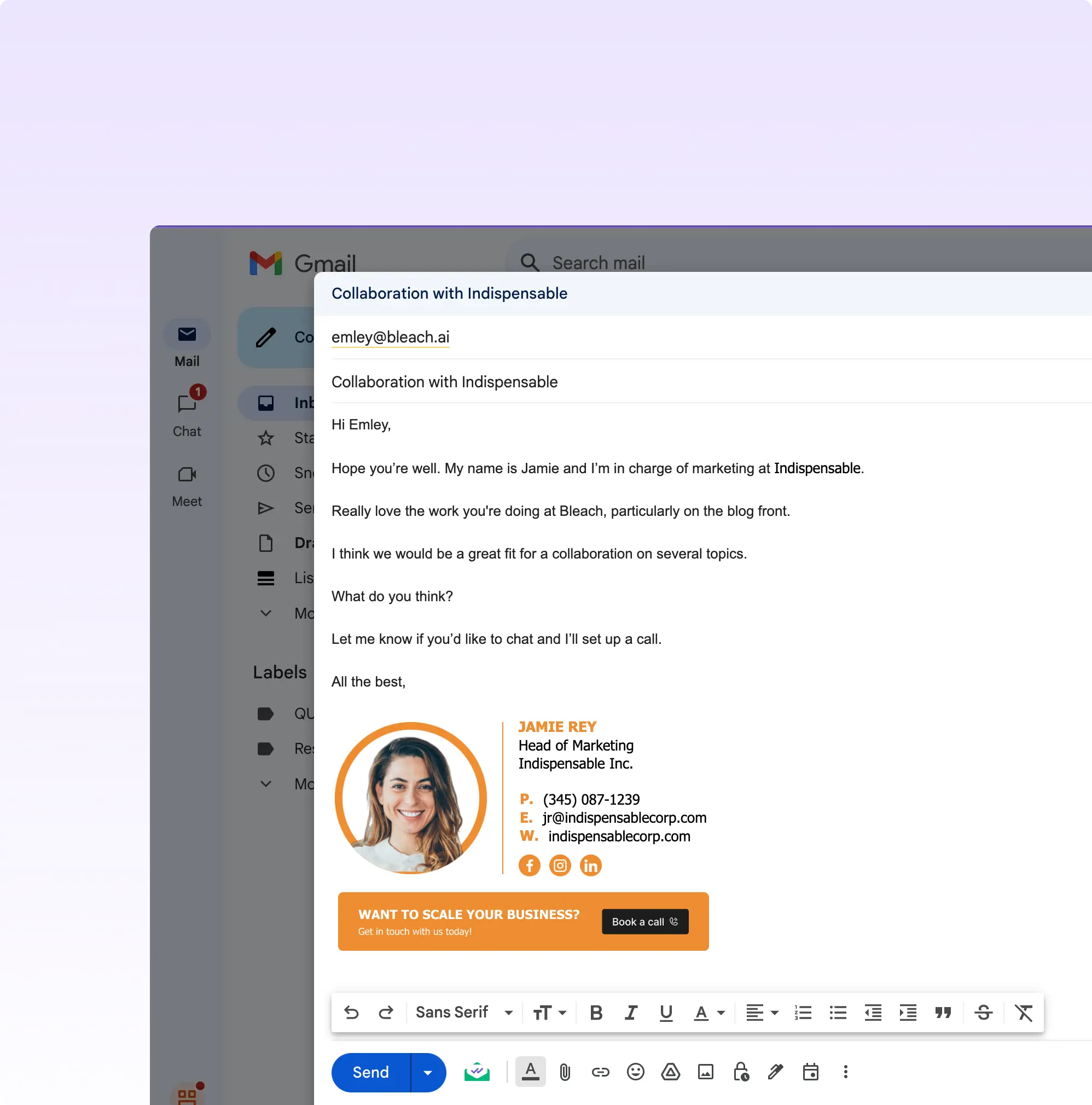
One signature standard, from the estimating desk to the site
License numbers, certifications, and branding applied at the account level, so field crews on phones look the same as the office.
Start Free TrialWhat Our Customers Say About SyncSignature





Professional Email Signatures Made Effortless!
I didn’t realize how messy my email signature looked until I fixed it. SyncSignature helped me set up a clean, professional signature, and now every email I send looks consistent.

Chirag G.
Director - Strategy & Innovation
Great platform! saved us a ton of time!
I love how easy it is to create professional-looking email signatures with SyncSignature. The templates are modern and eye-catching, saving me lots of time. I also like that I can update everyone's signatures in my company at once.

Bratislava V.
Digital Marketer & Copywriter
Made our brand look consistent in every email!
Before this, everyone had slightly different formats and photos. Now every team member’s signature looks perfectly on-brand with logo, colors, CTAs, everything. The setup was super easy, and updates rolled out instantly to all users. It’s one of those small tools that quietly makes your brand look 10x more professional easily.

Anastasia Liamets
Senior Product Marketing Manager
Standard email signatures for our entire company within minutes
I created account, connected my team using Google Workspace and created a beautiful template for our company through which all signatures are created in a jiffy and installed on everyone’s account automatically.

Sara L.
Growth Analyst
Easily integrates with Google Workspace
I got it thinking about enhancing my value proposition to some customers, but I started using it for myself and I love it. I use Google Workspace and so far so good, easy to use, good templates, good customization, 100% recommended.

Sergio Rey
Best email signature management software I found on the internet!
SyncSignature handles email signature creation and bulk updation from a single place for our Google Workspace users. Everything is automated and employees do not have to do anything.

Jinkal P.
Product designer
Frequently asked questions
Apply the signature to the account rather than to the device. SyncSignature writes the signature through the Gmail sendAs API or the Outlook add-in via Microsoft 365 Centralized Deployment, so it is attached to the mailbox and appears whatever the person is sending from. Field staff install nothing and configure nothing on their phone. This is the main reason mobile-heavy trades adopt central management: per-device setup never survives contact with a crew that does not use a laptop.
Yes. The license number is stored as a managed field on each profile or division rather than typed into individual signatures, and it renders into the template automatically. When it changes at renewal you update the field once and every affected signature refreshes. SyncSignature does not verify the number against a state licensing board, so renewal tracking stays with your existing compliance process.
Yes, if they hold an account on your Google Workspace or Microsoft 365 tenant. They are treated like any other user and can be assigned their own template or group. Trade partners who email from their own company domain are outside your tenant, so their signatures cannot be managed from your account. In that case the usual approach is to supply them with an approved HTML template to install themselves.
Yes. Group-based templates let each division carry its own branding, phone number, and license or certification detail, assigned automatically by Google Workspace organizational unit or Microsoft Entra group membership. Adding a division means adding a group rather than rebuilding signatures for everyone in it.
They can if you overload the signature, which is why mobile-first teams should keep it to a small logo and at most a couple of credential badges. Images in a SyncSignature template are hosted and served at fixed dimensions, and the template itself is HTML rather than a large embedded image, so a typical signature adds a few tens of kilobytes. Keeping the layout short also avoids the long scroll that makes threaded replies unreadable on a phone.
Both. SyncSignature supports Microsoft 365 with Outlook Web and Outlook Desktop on Windows and Mac, and Google Workspace for teams on Gmail. Deployment is client-side in both cases, so there are no transport rules to configure and no change to your MX records.
That is your choice. Templates can be locked entirely so the license number and branding cannot be removed, or you can allow a small set of personal fields such as a direct dial or site number inside an otherwise fixed layout.
No. On Google Workspace, SyncSignature writes signatures through the Gmail send-as settings API, and none of the Gmail scopes we request can read messages. On Microsoft 365, our Microsoft Graph permissions cover sign-in and directory reads only, and our Outlook add-in inserts the signature into the email being written without reading it. We do not request, receive, or process email subjects, bodies, attachments, recipients, or metadata about messages.
SyncSignature does not currently hold a SOC 2 Type 1 or Type 2 report. Our infrastructure runs on AWS in India. Our Google Workspace and Microsoft 365 permissions are limited to sign-in, directory reads, and signature settings. We do not access, read, or store email content. If your procurement requires a SOC 2 report from every vendor in your stack, the gap is documented openly here. The downstream certifications you actually rely on for email content (Google Workspace, Microsoft 365) carry SOC 2 reports of their own.
SyncSignature does not route or read email, stores data on AWS in Mumbai, and prepares a DPA on request. We process directory data (name, email, title, department, phone) on behalf of your organization as a data processor. EU-resident user data lawful basis, retention, and subject-access procedures live with your organization as the data controller. We do not hold a formal GDPR certification because none of the major GDPR certification schemes (GDPR-CARPA, Europrivacy) apply to single-feature SaaS at our footprint.
Related glossary terms
Deep dives on the concepts behind email signature management, from our glossary.
Email Signature for Contractors and Construction Firms
Construction and contracting signatures carry the contractor licence number, insurance and bonding status, and service area, because those are the details clients and general contractors verify before awarding work.
Email Signature for Architects and Architecture Firms
An architect's signature carries the professional designation and registration, the firm identity, and often a portfolio or project link, in a design held to the firm's visual standard.
Email Signature for Engineering Firms
Engineering signatures carry professional registration numbers and the jurisdictions of licensure, because a licensed engineer's correspondence can carry professional liability and registration is state or province specific.
Where to go next
Mobile crews and license detail are the construction layer. The rollout mechanics underneath are the same ones every distributed team uses.
Email signature software by industry
The full index of sector-specific guides, from regulated practices to fast-hiring teams.
Email signature management software
The platform view: how central control, templates, and rollout work across a company.
Email signature management for real estate
The same field-based, license-carrying problem on the property side of the deal.
Email signature pricing for teams
Team pricing from $15 a month for up to 5 users, billed annually.
Give every crew the same professional signature
Set the template once and let office staff, field crews, and divisions carry the same license detail and branding automatically.