
The best HubSpot email signature generator alternative for teams, not individuals
HubSpot's email signature generator is genuinely free, needs no account, and gives you real copy-paste HTML from about a dozen templates. For one person making one signature, it is hard to argue with, and we are not going to try.
What it does not do is anything after that. There is no team, no deployment, no directory sync, and no way to update a colleague's signature. SyncSignature connects to Google Workspace or Microsoft 365 once and keeps every mailbox current. Teams is $15 a month for up to 5 users, then $2 per user per month in bands of five from 6 users, billed annually.
Works with Gmail, Outlook, Apple Mail & More





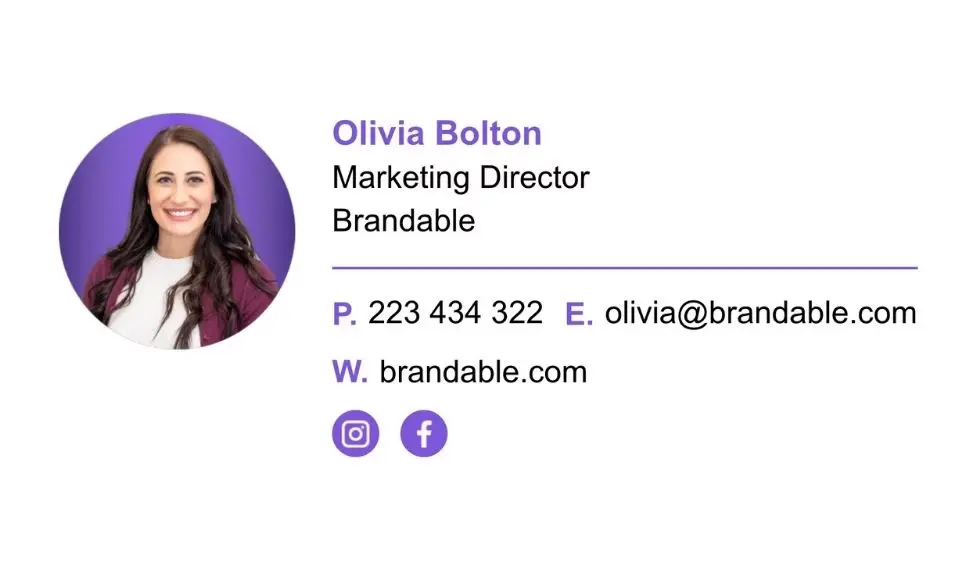





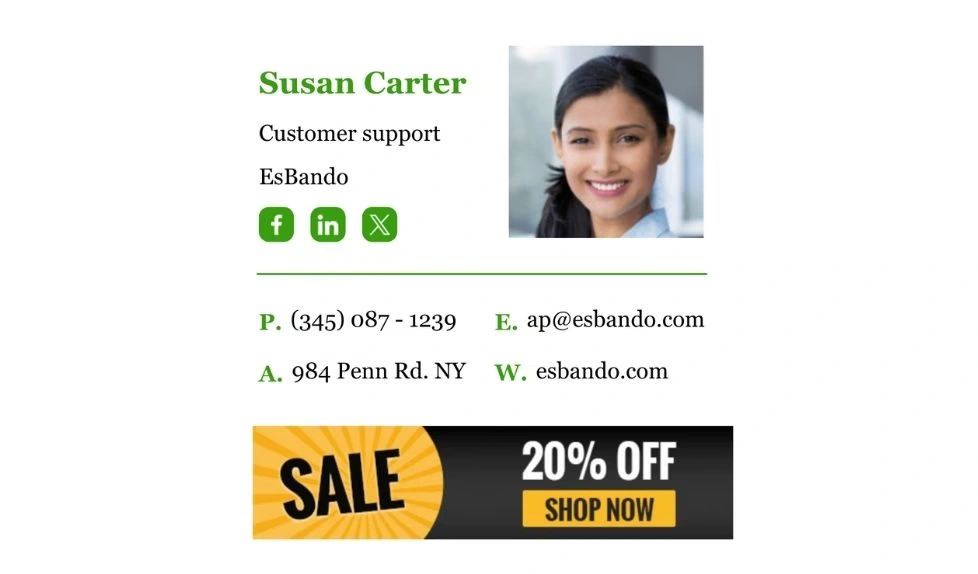
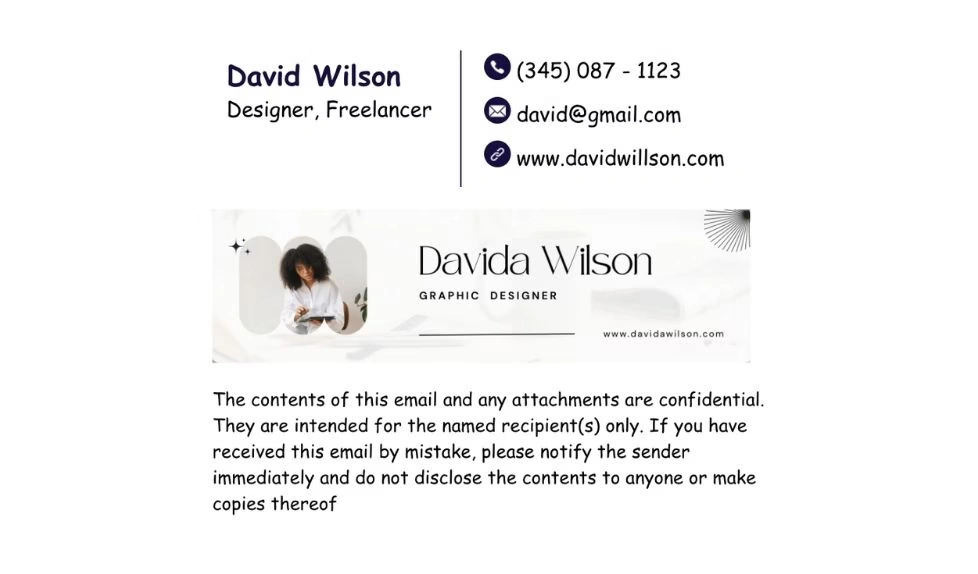
Why choose SyncSignature over HubSpot email signature generator
It Deploys, The Generator Does Not
HubSpot's generator produces HTML for you to paste in yourself. It has no Google Workspace or Microsoft 365 integration, no directory sync, and no admin view, so a company rebrand means asking every employee to redo their signature. SyncSignature connects once and updates every mailbox from one template change.
Built For More Than One Person
The HubSpot generator works one person per form fill, with no shared team account, no admin view, and no deployment. That is a reasonable product decision and a hard stop the moment you need to keep a second person's signature in sync. SyncSignature manages groups by department, role, or location on the base plan.
Rich Template Library
SyncSignature offers an extensive library of modern, professionally-designed templates with industry-specific options, regularly updated with fresh designs, compared with the 12 templates in HubSpot's generator.
Built-in Headshots
Transform ordinary photos into professional headshots with our advanced headshot editing tools, ensuring consistent, polished visual branding across your entire team's signatures.
Team signature manager
SyncSignature is the best email signature software that automates email signature management for companies and teams. You can manage your teammates in groups and install signatures for them automatically.
Superior Support
Experience rapid resolution times and proactive assistance from our dedicated mighty team who anticipates your needs before issues arise and spot the problems proactively to fix faster.
Agency-Ready
Manage multiple client signatures effortlessly with dedicated workspaces, bulk CSV importing, and centralized controls, everything agencies need to scale signature services efficiently.
Self-hosted Assets
Keep complete control with our self-hosted solution for logos, profile pictures, and brand elements, ensuring reliable display while maintaining your security standards.
Which is Better: SyncSignature vs HubSpot Email Signature generator
SyncSignature offers a free version plus paid plans built for businesses and agencies, and an extensive library of modern designs for every industry, regularly updated to keep your brand current and professional.
SyncSignature includes professional headshot tools which HubSpot's generator does not have. Enterprise features like CSV bulk import, hosted images, and centralized management deliver the control growing teams need, none of which a free single-person generator offers.
SyncSignature vs the HubSpot email signature generator
| Feature | SyncSignature | HubSpot Email Signature Generator |
|---|---|---|
| Price | Free for 1 signature; Teams $15/mo up to 5 users, then $2/user/mo | Free, no account required |
| Templates available | 100+ with regular updates | About 12 |
| Output | Live HTML, installed for you | Copy-paste HTML you install yourself |
| Users supported | Any team size (volume pricing above 100 seats) | One person per form fill (no team account) |
| Google Workspace deployment | ||
| Microsoft 365 deployment | ||
| Directory sync | Google Workspace + Microsoft 365, on Teams | |
| Update a colleague's signature centrally | ||
| AI headshots | ||
| Signature analytics | Click tracking per signature and workspace-wide | |
| Banner campaigns | Teams plan | |
| Multi-workspace / agency mode | Enterprise plan: dedicated workspace per client |
Consistent signatures across teams
Professional and consistent signatures can elevate your personal brand, attract more people, and open up new opportunities.
Let SyncSignature help you maintain consistency across your entire company with standard professional email signatures.

Signature templates with customization options
Capture your brand color from the logo and instantly create professional email signature templates that reflect your unique brand to make a lasting impression.
Further customize it using our advanced signature editor.
- Variety of design templates
- Advanced Customization
- Compatible on all devices

Manage client signatures
Agencies can use SyncSignature to manage their client signatures.
They can invite the clients and give them access to manage on their own. This is a great way to provide additional services to your clients.
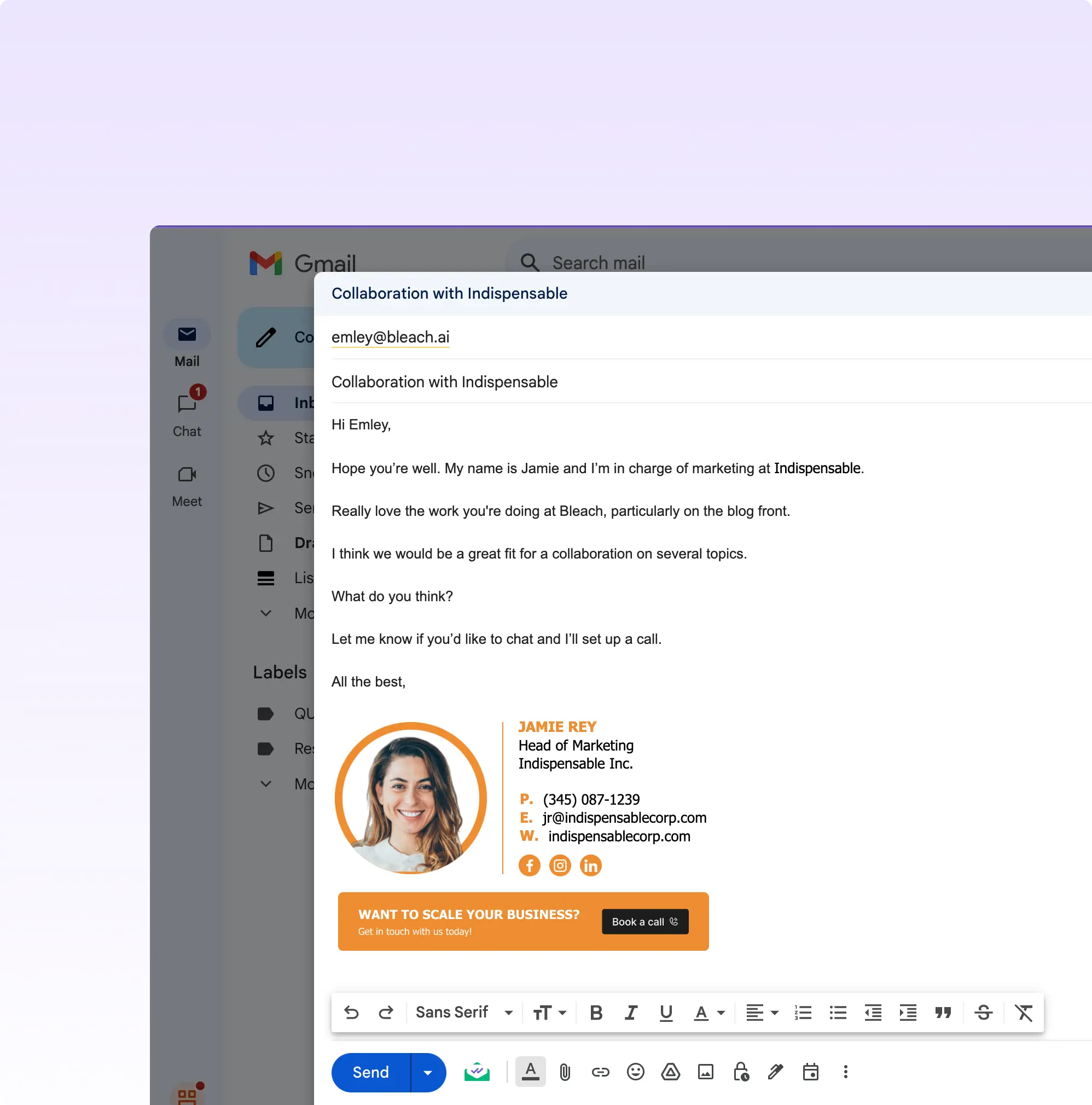
How to move from the HubSpot generator to SyncSignature
There is nothing to cancel and nothing to export, since the generator holds no account. This is a rebuild rather than a migration, and it is quick. Total admin time: 20 to 40 minutes for teams under 100 people.
Screenshot the signature you already have
The HubSpot generator keeps nothing on your behalf, so capture your current signature from your email client for reference on layout, fields, and links.
Connect Google Workspace or Microsoft 365
This is the whole point of the switch. Google Workspace: one admin auth on the Gmail API. Microsoft 365: approve the SyncSignature Outlook add-in once via Centralized Deployment, and Microsoft propagates it within 6 to 12 hours.
Build one template for everyone
Pick a template and map the directory fields once. Each person's name, title, and phone number populate automatically, which replaces the per-person form-filling the generator requires.
Publish and tell people to stop pasting
Verify on a few mailboxes, then publish. Employees can clear the signature they pasted in by hand; SyncSignature applies the new one at compose time from then on.
What Our Customers Say About SyncSignature





Professional Email Signatures Made Effortless!
I didn’t realize how messy my email signature looked until I fixed it. SyncSignature helped me set up a clean, professional signature, and now every email I send looks consistent.

Chirag G.
Director - Strategy & Innovation
Great platform! saved us a ton of time!
I love how easy it is to create professional-looking email signatures with SyncSignature. The templates are modern and eye-catching, saving me lots of time. I also like that I can update everyone's signatures in my company at once.

Bratislava V.
Digital Marketer & Copywriter
Made our brand look consistent in every email!
Before this, everyone had slightly different formats and photos. Now every team member’s signature looks perfectly on-brand with logo, colors, CTAs, everything. The setup was super easy, and updates rolled out instantly to all users. It’s one of those small tools that quietly makes your brand look 10x more professional easily.

Anastasia Liamets
Senior Product Marketing Manager
Standard email signatures for our entire company within minutes
I created account, connected my team using Google Workspace and created a beautiful template for our company through which all signatures are created in a jiffy and installed on everyone’s account automatically.

Sara L.
Growth Analyst
Easily integrates with Google Workspace
I got it thinking about enhancing my value proposition to some customers, but I started using it for myself and I love it. I use Google Workspace and so far so good, easy to use, good templates, good customization, 100% recommended.

Sergio Rey
Best email signature management software I found on the internet!
SyncSignature handles email signature creation and bulk updation from a single place for our Google Workspace users. Everything is automated and employees do not have to do anything.

Jinkal P.
Product designer
The most powerful email signature creator trusted by 40,000+ professionals across 1,200+ businesses



When the HubSpot generator is the right call
It is free and it is good at the thing it does. Here is where we would send you to it.
You are one person who needs one signature in five minutes
No account and no card, though it asks for your email, phone, company, and website before it hands over the signature. Fill in the form, pick from about a dozen templates, copy the HTML, paste it into Gmail or Outlook, done. For a single free signature that is hard to beat. Both tools ask for your details: HubSpot through a contact form, us through a sign-up.
You already run HubSpot CRM and want signatures that match your other assets
If your brand kit already lives in HubSpot and each person maintains their own signature, staying inside that ecosystem is the lower-friction choice. The moment somebody has to keep 20 colleagues' signatures consistent, the generator has no answer, because it was never built to have one.
Frequently asked questions
Modern email signatures look better when you add minimal details. You don't have to add all your links and social media accounts, you should add two or three links. Headshot builds trust, so you can add one. SyncSignature has a built-in profile picture maker for headshots. SyncSignature also provides clean looking email signature templates for you to select from.
SyncSignature creates and manages professional email signatures across your organization, turning every email into a powerful branding opportunity.
SyncSignature ensures brand consistency, saves time with centralized management, and enhances professionalism with modern templates and built-in headshot optimization.
Yes. Connections use HTTPS, passwords are stored as salted hashes, your brand assets are hosted on our own AWS infrastructure, and SyncSignature never reads your email content. Full details are on our security page at syncsignature.com/security/.
If you want another free single-signature generator, HubSpot's is the most generous of them because it needs no account, though it asks for your contact details before it hands over the signature. If you want signatures deployed and kept current across a team, the comparison set is different: SyncSignature, MySignature, Newoldstamp, and WiseStamp all connect to Google Workspace or Microsoft 365. Gimmio and Signature Hound sit in between: Gimmio sells signatures in bundles and Signature Hound prices by design, and neither deploys to a tenant.
For a team, because the HubSpot generator has no team in it. It builds one person's signature per form and hands you HTML to paste; there is no deployment, no directory sync, and no way to change a colleague's signature. SyncSignature installs and updates signatures across Google Workspace and Microsoft 365 from one template. For a single person wanting one free signature, HubSpot's generator is genuinely the better tool and we say so on this page.
It ships about a dozen, which is enough for one person choosing once and thin if you want an industry-specific look or several layouts across departments. SyncSignature has 100+ templates that get updated, and unlimited templates on the paid plans. Worth noting in HubSpot's favor: its generator is free, needs no account, and outputs real copy-paste HTML rather than an image.
Yes. It requires no account and no card, though before you can copy the signature it asks for your email address, phone number, company, and website, which HubSpot uses for marketing. It outputs real copy-paste HTML rather than an image. There is no paid tier of the generator to upgrade to. What you are trading for that is scope: one signature, one person, and no deployment of any kind. SyncSignature also has a free plan covering one signature, but it does ask you to sign up.
No. The HubSpot email signature generator has no Google Workspace or Microsoft 365 integration, no directory sync, and no admin view over other people's signatures. Each person fills in the form and pastes the result into their own email client, and a rebrand means asking all of them to do it again. SyncSignature connects to the tenant once and pushes template changes to every mailbox.
Completely. SyncSignature provides a dedicated, powerful email signature solution that works with any email platform: Gmail, Outlook, Apple Mail, and more. You get more templates, AI headshots, signature analytics, and automatic team deployment in a tool focused only on signatures.
Our roundup of the best email signature generators covers the top tools, including free options, team features, and which generators produce the most professional results.
Comparing more than one tool?
HubSpot Email Signature Generator is rarely the only name on the shortlist. You can compare all email signature alternatives in a single table, with entry pricing, seat minimums, and deployment model lined up side by side.
Design professional email signatures today!
Sign up on SyncSignature and generate a professional email signature at no cost. Unlock a new marketing channel for your company.