Free tool
Type your name, pick a script font, and download a free transparent signature image. Use it in your email signature, documents, or anywhere you want a personal touch. No sign-up required.
Enter your name in the free signature font generator. Your text updates live as you type.
Pick from 16 curated script fonts, set your color, and adjust the size until it looks right.
Click download to save a high-resolution transparent PNG of your font signature.
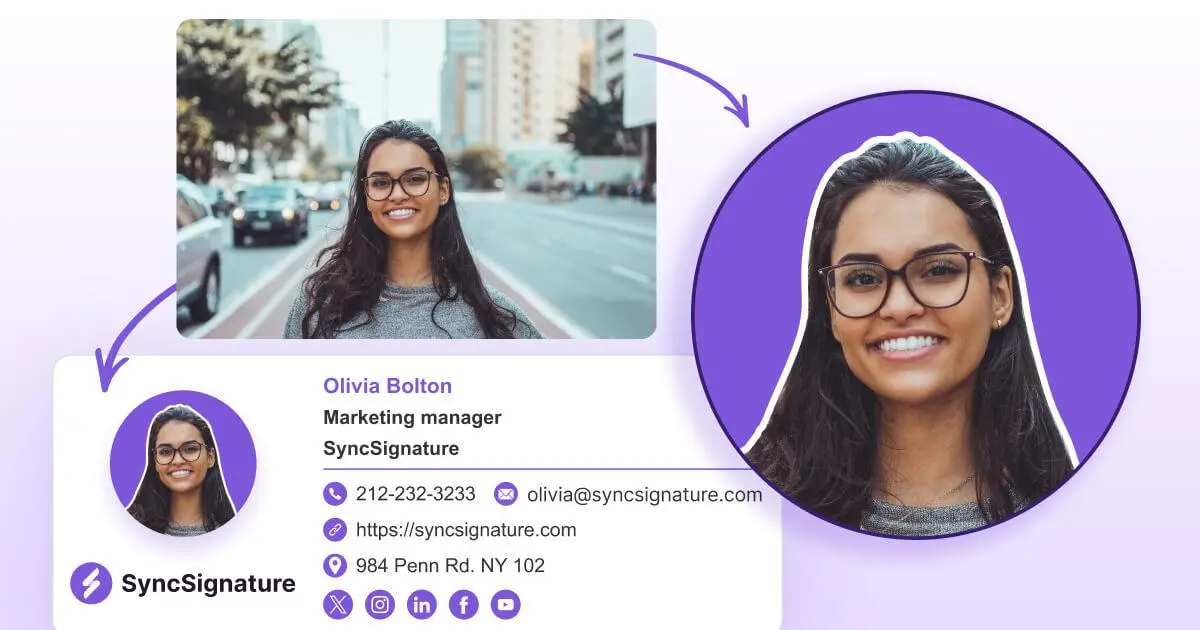
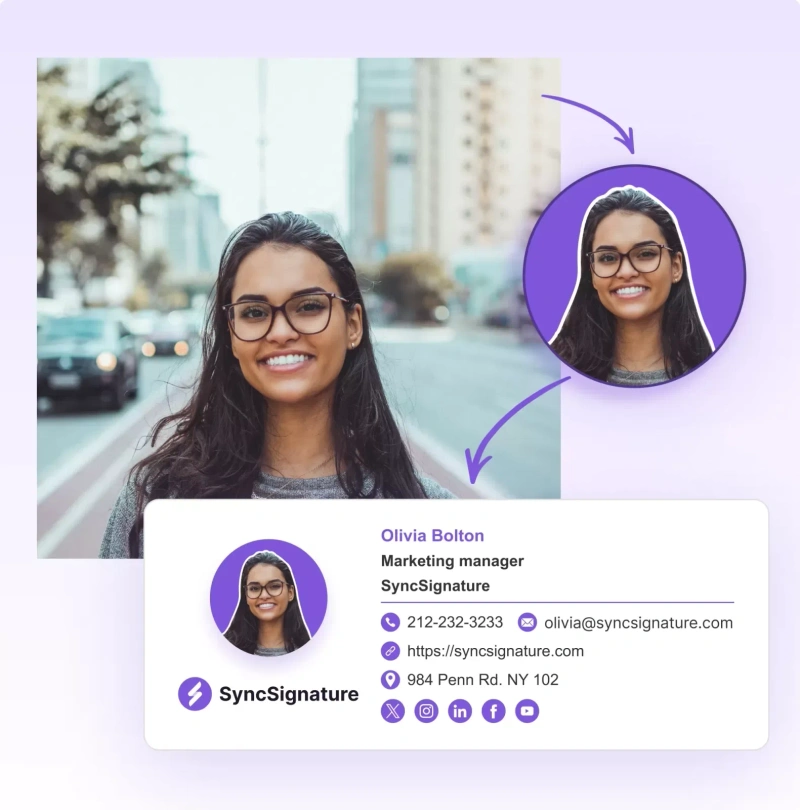
Drop your signature into SyncSignature to build a full professional email signature around it.
Yes. Download your font signature as a transparent PNG and add it to any email signature, or click Use in SyncSignature to build a complete professional signature around it.
Type your name, choose a script font and color, adjust the size, and download the transparent image. Then upload that image into your email client or into SyncSignature.
Most email clients let you insert an image into your signature settings. Download the PNG from this tool and insert it, or use SyncSignature to manage it for you.
Yes, the font signature generator is completely free. There is no sign-up, no watermark, and no limit on how many signatures you can create.
Use SyncSignature to turn every email into a consistent, branded touchpoint. Start for free and scale when you're ready.