
Centralized email signature management
One admin console for every signature in your company. Templates assigned by group, details pulled from your directory, deployed to Google Workspace and Microsoft 365 in one action. No per-mailbox setup, no IT ticket queue.

What is centralized email signature management?
Centralized email signature management means signatures are controlled from one admin console instead of by each employee. Templates are assigned to directory groups, personal details (name, title, phone) fill in automatically from Google Directory or Azure AD / Entra ID, and changes deploy to everyone in one bulk action. It replaces per-mailbox setup, which stops working past about 20 users.
Trusted by 1,200+ companies centralizing email signatures across Google Workspace and Microsoft 365






























How to centralize email signatures for your company
Four steps from a connected directory to signatures live on every outbound email. Most teams are fully deployed in one to three days.
Connect your directory
Authenticate SyncSignature as an admin against Google Workspace or Microsoft 365. Names, titles, departments, and phone numbers are read from Google Directory or Azure AD / Entra ID with read-only scopes. Your directory stays the source of truth.
Build templates
Use the drag-and-drop editor to design one template per team, brand, or office. Reference directory fields with merge tags so each person's own details fill in automatically. No HTML required.
Assign templates to groups
Map each directory group, organizational unit, or domain to a template. A salesperson and an engineer in the same company carry the right layout, office address, and legal footer because their group decides which template they get.
Bulk deploy
Publish once. Signatures write directly to Gmail on Google Workspace and stamp client-side through the Outlook add-in on Microsoft 365. End users do nothing. This is how you centralize email signatures company wide from a single admin console.
How to manage email signatures across multiple locations and teams
Each location or team maps to a directory group, and each group gets its own template with the right office address, phone number, legal footer, and branding. When someone moves between teams, the directory moves them, so their signature changes with them. That is how you manage email signatures multiple locations teams span, without keeping a spreadsheet of who sits where.
For companies running more than one email domain, see multi-domain email signature management. For separate brands or subsidiaries under one roof, see the multi-brand email signature platform.

Centralized email signatures with Azure AD sync and Google Directory
Azure AD (now Microsoft Entra ID) is the directory behind Microsoft 365. SyncSignature reads names, titles, departments, and phone numbers from it, and from Google Directory on Google Workspace. When a field changes in the directory, the signature changes, without anyone editing anything.
Centralized email signatures Azure AD sync works because the directory is already the system of record for who works at the company and what their title is. See the full directory sync architecture for Google Workspace and Microsoft 365 for the read-only scopes and the Outlook add-in deployment path.
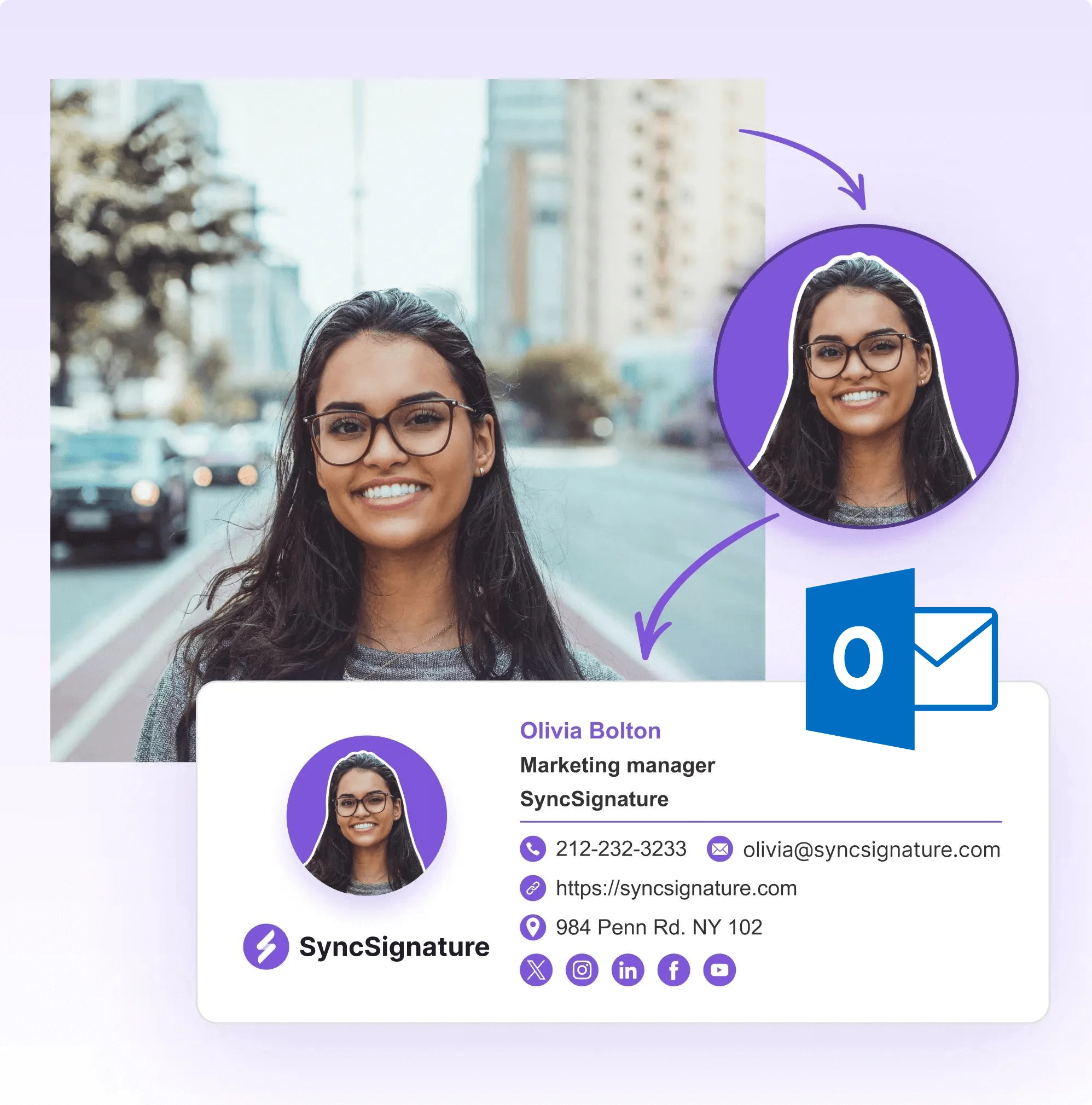
Central management of Gmail signatures for companies
On Google Workspace, an admin installs SyncSignature from the Marketplace, selects the users or groups to manage, and signatures are written directly into Gmail through auto-install. No browser extension for each user, no copy-paste. This is central management of Gmail signatures for companies from one console. See the full Google Workspace signature management and Gmail signature management details.
On Microsoft 365, the same admin approves the SyncSignature Outlook add-in once through Centralized Deployment, and it propagates silently to every user's Outlook on desktop, web, and mobile. See Office 365 signature management for the Microsoft path.

Centralized email signature management for large companies
Group-based assignment scales from 5 seats to thousands without changing how it works: templates are assigned to directory groups, and people flow in and out of those groups as the directory changes. Pricing is tiered from $2.00 down to $1.44 per user per month as seat count grows.
For requirements specific to centralized email signature management vendors large enterprises evaluate (multi-tenant Microsoft 365, mergers and acquisitions, brand governance across entities), see enterprise email signature management. For anything beyond the confirmed feature set, talk to sales about your rollout.
Centralized management of branded email signatures
Centralized management of branded email signatures means marketing and IT hold the template, not each employee. Templates are locked so there are no rogue fonts, no accidental competitor logos, and no missing disclaimers. Every outbound email reflects the brand the way it is supposed to.
Banner campaigns are the one element you schedule: set a start and end date, and the banner appears across the company for the run of the campaign, then retires itself. Everything else deploys as a one-action bulk apply by an admin.
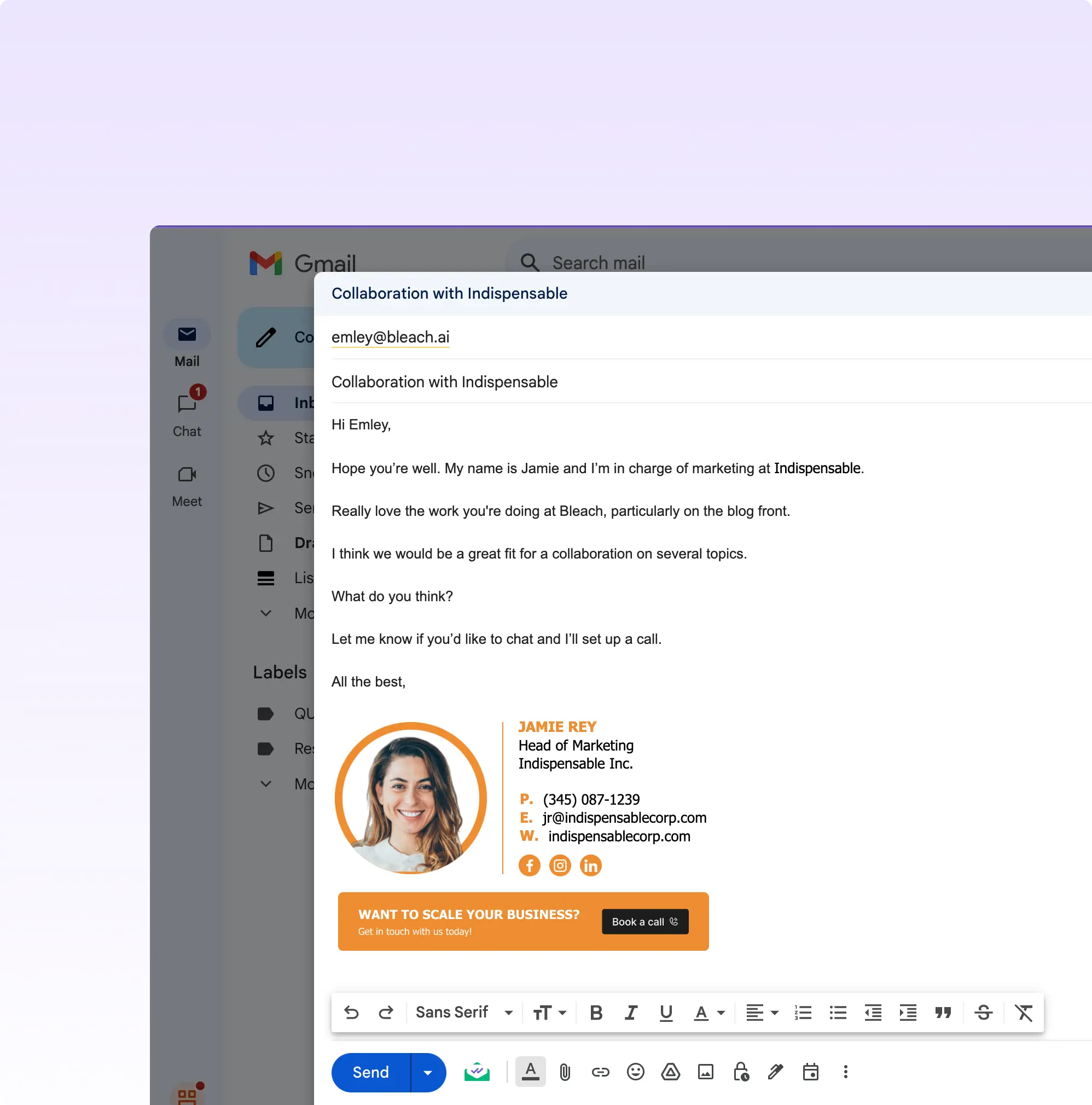
What centralized management replaces
Per-mailbox signature setup works for a handful of people and quietly breaks after that. Centralized management moves every one of these jobs to a single directory-driven action.
| What changes | Per-mailbox / manual setup | Centralized management |
|---|---|---|
| Signature updates | A request to each employee, one mailbox at a time | One bulk action from the admin console |
| New hires | An IT ticket to build and install a signature | Directory sync picks them up on the next cycle |
| Title changes | Stale until someone notices and fixes it by hand | Updates automatically from the directory field |
| Branding | Drifts per person: wrong fonts, rogue logos | Template-enforced, identical for every group |
| Banners | Impossible to coordinate across a company | Company-wide campaign with start and end dates |
What Our Customers Say About SyncSignature





It makes managing email signatures for the whole team fast and centralized. I don't like chasing people to update their signature. Changes apply automatically. Integration with Google Workspace works without issues.

Alexander B.
Marketing Director
As someone managing multiple businesses using Google Workspaces for emails, having a comprehensive email signature management tool is essential, and SyncSignature has already proven to be the ideal solution.

Christophe
Founder - AI services
Frequently asked questions
Centralized email signature management means signatures are controlled from one admin console instead of by each employee. Templates are assigned to directory groups, personal details fill in automatically from Google Directory or Azure AD / Entra ID, and changes deploy to everyone in one bulk action.
Connect your directory, build templates, assign them to groups, and bulk deploy. SyncSignature reads employee details from Google Directory or Azure AD / Entra ID, applies the template for each group, and publishes to Google Workspace and Microsoft 365 in one action. See the step-by-step guide to centrally managing email signatures.
Yes. Azure AD, now Microsoft Entra ID, is the directory behind Microsoft 365. SyncSignature reads names, titles, departments, and phone numbers from it, so directory field changes flow into signatures automatically, with no per-user editing.
Days, not weeks. The setup is a Marketplace or admin-center install plus template configuration. Most teams are live in one to three days. There is no mail routing to reconfigure and no MX change.
The main options are SyncSignature, Exclaimer, WiseStamp, Letsignit, and Opensense. SyncSignature manages both Google Workspace and Microsoft 365 from one workspace, deploys client-side with no mail routing, and lets you cancel instantly in-product. Exclaimer is the traditional enterprise choice when procurement requires audit logs, certifications, or in-region hosting, and Letsignit Enterprise lists SAML SSO and SCIM. WiseStamp and Letsignit round out the list, and Opensense focuses on signature marketing at enterprise scale. Most of these tools sell annual contracts. For a side-by-side, see enterprise email signature management.
Yes. Templates are assigned by domain and by directory group, so a company running several email domains manages them all from one admin console. See multi-domain email signature management for how domain-based assignment works.
Related glossary terms
Deep dives on the concepts behind email signature management, from our glossary.
Directory Sync (Email Signatures)
Automatic synchronization of employee attributes from Microsoft 365 or Google Workspace directories into email signature templates, so signatures update when employee data changes.
Azure AD / Entra ID Sync
Synchronization of user attributes from Microsoft Entra ID (formerly Azure Active Directory) into email signature templates via Microsoft Graph API.
Email Signature Governance
The policy layer that governs who may change email signatures, which templates are approved, and how brands and disclaimers are enforced across an organization.
Multi-Tenant Email Signature Management
Managing email signatures across multiple Microsoft 365 tenants or Google Workspace organizations from a single admin layer, the requirement behind MSP and agency signature management.
Email Signature Consolidation (Mergers & Rebrands)
Bringing email signatures from multiple entities, tools, or brands under one management layer, typically after a merger, acquisition, or rebrand.
Bulk Apply (Email Signatures)
Applying an email signature template to many users in one admin action instead of setting up each mailbox individually.
Multi-Brand Email Signature (Agency)
An email signature management configuration in which a single agency or holding company manages signatures across multiple distinct brands or client workspaces from one admin layer.
Centralize your company's email signatures this week
One admin console for Google Workspace and Microsoft 365. Directory sync, group templates, and bulk deploy, with no per-mailbox setup and no mail rerouting.