
Job Seeker Email Signature Examples for Applications, Networking, and Career Changes
Browse job seeker email signature examples for applications, networking outreach, and career change emails, each designed to position you alongside LinkedIn, portfolio, and your target role. SyncSignature turns any of them into a polished signature that gets recruiter attention.

Trusted by 30,000+ professionals including job seekers, career changers, and recent graduates


Job Seeker Email Signature Examples
Each example below is a real signature variant designed for job seekers. Click any to load it in the editor and replace the placeholder details with your own.
New Graduate
Entry-level layout with degree, university, and target role.
Open in editorMid-Career Switcher
Career-change signature that positions transferable skills and direction.
Open in editorExecutive Job Seeker
Senior-leader signature with leadership tagline, LinkedIn, and bio link.
Open in editorTech Job Seeker
Engineer-friendly layout with GitHub, portfolio, and stack tags.
Open in editorCreative Portfolio Seeker
Designer/creative signature that puts portfolio link and Dribbble first.
Open in editorMBA Graduate
Business-school layout with cohort, concentration, and target industry.
Open in editorBuild your job application email signature in minutes
Choose a professional template
Pick from clean, professional email signature templates designed to look polished without being over-designed. The right tone is confident and ready-to-work, not trying too hard.
Add your job search details
Enter your name, current or target role title (e.g., 'Marketing Professional | Seeking New Opportunities'), phone, and email. Add your LinkedIn URL, portfolio website, and any other relevant professional links.
Install and start applying
Copy your signature and paste it into your email app. Step-by-step instructions for Gmail, Outlook, and Apple Mail included. Setup takes under two minutes, one less thing to worry about in your job search.
Choose a professional template
Pick from clean, professional email signature templates designed to look polished without being over-designed. The right tone is confident and ready-to-work, not trying too hard.
Add your job search details
Enter your name, current or target role title (e.g., 'Marketing Professional | Seeking New Opportunities'), phone, and email. Add your LinkedIn URL, portfolio website, and any other relevant professional links.
Install and start applying
Copy your signature and paste it into your email app. Step-by-step instructions for Gmail, Outlook, and Apple Mail included. Setup takes under two minutes, one less thing to worry about in your job search.
Make your LinkedIn profile one click away
Recruiters will look up your LinkedIn whether it's in your signature or not. Make it easy. A direct LinkedIn link in your signature saves them the step and ensures they find the right profile, your polished, up-to-date one, not an old or duplicate account.
- LinkedIn profile URL as a clickable link or icon
- Optional: LinkedIn icon for clean visual appearance
- Ensure your LinkedIn URL is customized (linkedin.com/in/yourname)
- Consistent identity across email and LinkedIn

Showcase your portfolio or personal website
For creative, tech, and portfolio-based roles, a link to your work is more powerful than anything else in your signature. SyncSignature lets you add a prominent portfolio link or button that makes your best work immediately accessible.
- Portfolio website or personal domain
- GitHub for developers and engineers
- Behance or Dribbble for designers
- Published writing or case studies for marketers
Signal your target role with a professional title
If you're between jobs or making a career change, your job title in your signature can be tricky. SyncSignature lets you craft a professional title line that positions you clearly: like 'Product Manager | Seeking New Opportunities' or 'Software Engineer | 5 Years Experience', without looking desperate.
- Custom title line. Not limited to last role
- 'Available for new opportunities' phrasing options
- Industry and function keywords for searchability
- Easy to update as your job search evolves
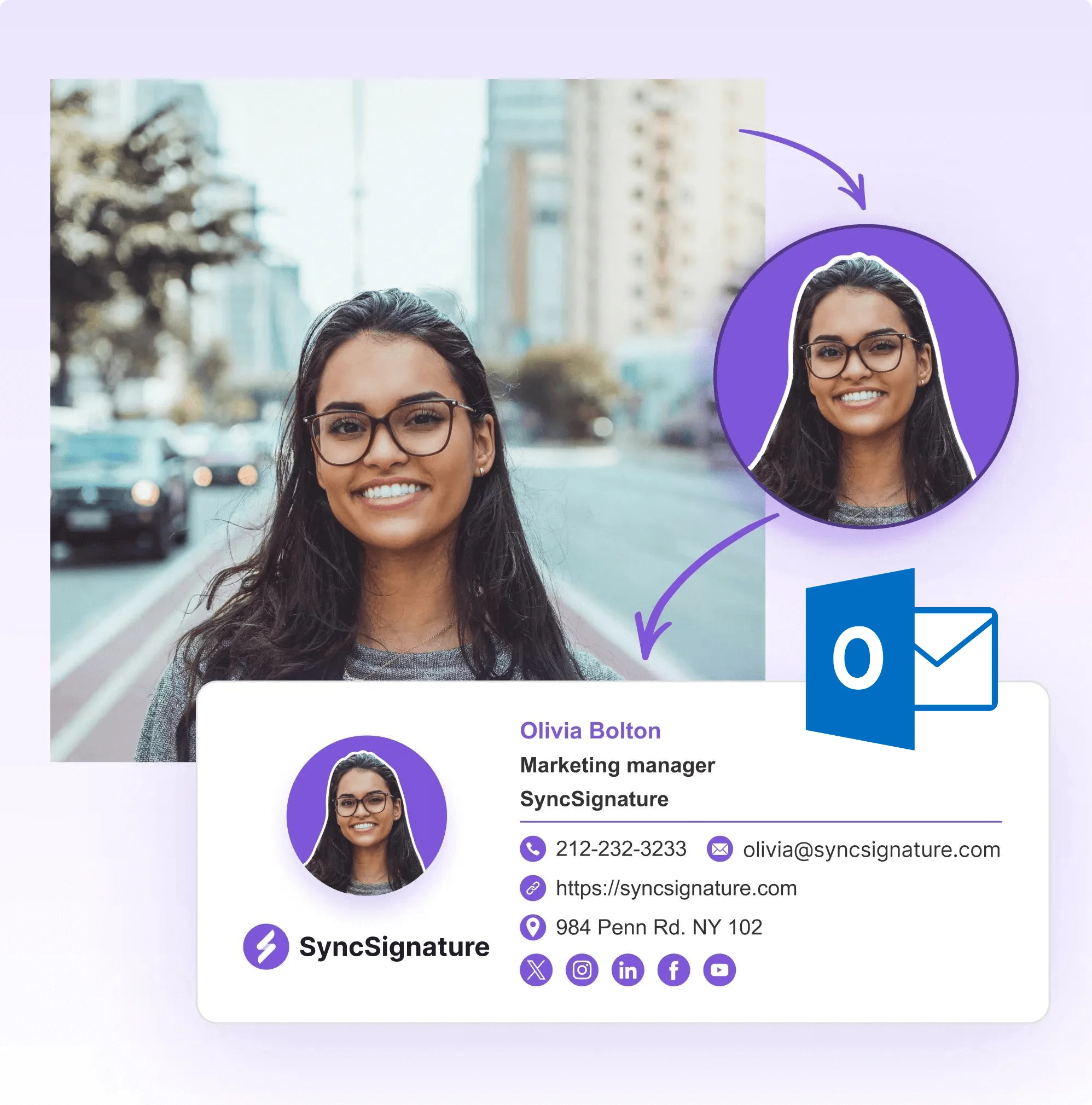
Look professional before you've even been interviewed
Most job seekers email recruiters with a bare-bones email signature or none at all. A polished signature with photo, contact links, and LinkedIn makes you look like you take your professional image seriously, a signal that matters at every stage of hiring.
- Professional headshot (optional but recommended for senior roles)
- Phone number and professional email address
- Clean, readable design that renders correctly on mobile
- Consistent identity across all application emails

Email Signature for Job Applications, Make Every Application Email Count
Job application emails are the most important emails job seekers send. A professional email signature on every application email signals that you take your professional presentation seriously, a quality recruiters value. Include your name exactly as it appears on your resume, your professional title or target role, your phone number, and your LinkedIn. For roles where portfolio work matters (design, engineering, writing, marketing), a portfolio link in your signature means recruiters can click through immediately. Avoid common mistakes: don't use a casual or old email address, don't include unrelated social media, and don't make your signature longer than your cover letter.
- Name matching your resume exactly
- Professional title or target role (positive framing)
- Phone number and professional email address
- LinkedIn and portfolio links only. No personal social media
Job Search Email Signature With LinkedIn, Make Your Profile One Click Away
LinkedIn is the most important external link in a job seeker's email signature. Recruiters will look at your profile regardless, your signature determines how quickly and easily they find it. A direct LinkedIn URL removes friction and ensures they find your polished, up-to-date profile rather than searching and potentially finding an old or duplicate account. For maximum impact: ensure your LinkedIn URL is customized (linkedin.com/in/yourfirstnamelastname), your profile is complete and updated, and your LinkedIn headline matches the positioning in your email signature. Consistency between your email signature and LinkedIn profile builds a coherent professional identity.
- Customized LinkedIn URL (linkedin.com/in/yourname)
- LinkedIn icon for clean visual display in signature
- Profile consistency: headline matches signature positioning
- Open to Work status visible to recruiters on your profile
Professional Email Signature for Job Hunting, Tips for Career Changers and Experienced Professionals
Career changers and experienced professionals have different challenges than students or recent graduates in their email signatures. You have a track record, but it may not be in the field you're targeting. SyncSignature lets you craft a signature title that positions you for your target role without erasing your existing experience. 'Marketing Director | Transitioning to Product Management' or 'Financial Analyst | Exploring Operations Roles' frame your search positively and give recruiters context.
If you're a student or recent graduate starting your career for the first time, the student email signature guide is built for your situation, covering how to present your degree, university, and academic credentials for internship and entry-level applications.
- Career changer framing: lead with target role, not just past title
- Experienced professional: emphasize seniority and domain expertise
- Multiple signature versions for different application contexts
- Positive framing. Avoid 'unemployed' or 'seeking' language
What Our Customers Say About SyncSignature





Verified User
Added my GitHub, LinkedIn, and portfolio to my signature. Recruiters click through my LinkedIn more now. Small thing but it definitely makes me look more professional in a crowded inbox.
Lucas P.
Software Engineer (active job search)
Verified User
I was nervous about how to present myself in emails while between jobs. SyncSignature helped me create a clean signature that positions me as a professional, not someone desperately looking.
Natalie W.
Marketing Manager, Career Changer
Verified User
Used SyncSignature throughout my internship and job search. The free version has everything I needed. Clean professional signature that works in Gmail and Outlook.
Omar K.
Recent MBA Graduate
Frequently asked questions
Yes. A professional email signature shows that you take communication seriously and makes it easy for recruiters to find your LinkedIn, portfolio, and contact details without searching. It's a small detail that signals professionalism, and in a competitive job market, every signal counts.
Include your full name, professional title (current or target role), phone number, LinkedIn profile URL, and any other relevant links (portfolio, GitHub, personal website). If you're currently unemployed, you can list your last title and company, your target role, or simply your professional skills area (e.g., 'Digital Marketing Professional'). Avoid putting 'Unemployed' or 'Looking for work', use positive framing.
If your job search is confidential, be careful. If you list your current employer, recruiters may assume you're passively looking, which can actually work in your favor. If you're between jobs, list your most recent role ('Former [Title], [Company]') or position yourself with a target role description. Avoid anything that reads as desperation.
You can, but phrase it positively. 'Open to new opportunities in [field]' or 'Actively exploring [type] roles' reads better than a vague 'seeking employment'. Some job seekers prefer to let their LinkedIn Open to Work feature communicate this instead, keeping the email signature clean.
This is context-dependent. In the U.S., photos on resumes/applications are generally discouraged to avoid bias, but a photo in an email signature is more of a professional standard. In some industries (creative, media, communications) and regions (Europe, Asia), it's common and positive. Use your judgment based on industry and culture.
Generally no, unless you're a recent graduate applying for positions where academic performance is a specific criterion (banking analyst programs, consulting firms, academic roles). For most professional email correspondence, your GPA belongs on your resume, not in your signature.
Use a professional personal email address. Firstname.lastname@gmail.com is the standard. Avoid using your current work email for job searching (it's visible to your employer and unprofessional). Also avoid old or informal email addresses (coolname1998@..., etc.). Consider creating a dedicated professional email if needed.
Yes. SyncSignature's free plan gives you full access to professional email signature templates, photo upload, contact links, and social icons, everything you need for a polished job search email signature. No credit card required.
Log in to SyncSignature, edit your signature with your new job title, company, and contact details, then re-copy it into your email client. It takes about two minutes. Make sure to update both your personal and work email signatures when you start a new role.
Our student email signature guide covers everything from university email setup to job application tips. For a complete breakdown of what to include in any professional signature, see our guide on what to include in a professional email signature.
Create your job search email signature today
Look professional in every application email. LinkedIn, portfolio, and contact details, all in one polished signature. Free.