
Gmail Signature Manager for Teams & Organizations
SyncSignature makes it easy to centrally manage email signatures for Gmail across your entire team. Create, deploy, and update professional Gmail signatures in bulk — from a single dashboard.
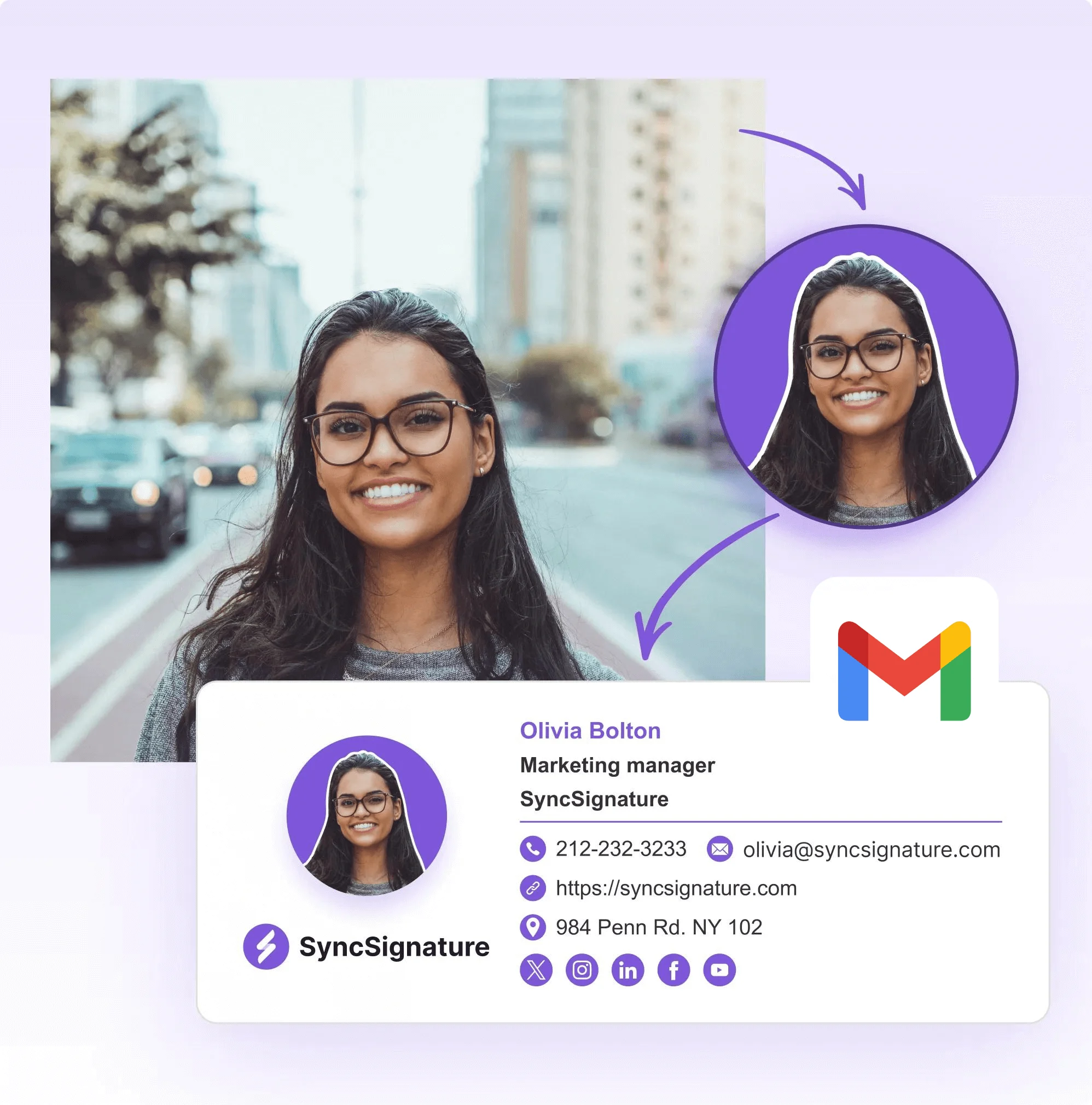
The most powerful email signature creator trusted by 30,000+ professionals across 1000+ businesses


Manage all your company Gmail signatures from one central dashboard
Design your signature
Use the visual signature editor to build a professional email signature. Pick a template or start from scratch. Add your company logo, employee headshots, social media icons, links, and promotional banners. No HTML or coding required.
Organize your team
Import your team members and organize them into groups — by department, role, office, brand, or any custom criteria. Each group can be assigned a different signature template.
Push signatures to Gmail — in one click
Hit publish and every team member's Gmail signature updates automatically. Signatures are installed directly into each user's Gmail account via API. Employees don't need to open settings, paste anything, or do any manual work.
Design your signature
Use the visual signature editor to build a professional email signature. Pick a template or start from scratch. Add your company logo, employee headshots, social media icons, links, and promotional banners. No HTML or coding required.
Organize your team
Import your team members and organize them into groups — by department, role, office, brand, or any custom criteria. Each group can be assigned a different signature template.
Push signatures to Gmail — in one click
Hit publish and every team member's Gmail signature updates automatically. Signatures are installed directly into each user's Gmail account via API. Employees don't need to open settings, paste anything, or do any manual work.
Bulk Gmail signature management — deploy to 10 or 10,000 users
Whether you're managing signatures for a 15-person startup or a 5,000-person enterprise, the process is the same: design, assign, publish.
SyncSignature handles bulk Gmail signature management at any scale — no scripting, no CSV uploads, no user intervention required.
- Bulk creation — Build one template, auto-fill each user's unique details (name, title, phone, department), and generate hundreds of personalized signatures instantly
- Bulk deployment — Push all signatures to Gmail in a single action. No scripting. No CSV uploads. No user intervention.
- Bulk updates — Change a logo, update a disclaimer, add a holiday banner? Update the template once, re-publish, and every signature across the organization refreshes.

Company-wide Gmail signatures — consistent branding in every email
A company-wide Gmail signature is one of the simplest ways to present a unified, professional image. Every email your team sends — to clients, prospects, partners, vendors — carries your brand. When signatures are inconsistent, it looks sloppy. When they're polished and uniform, it builds trust.
SyncSignature ensures company-wide consistency: one design applied everywhere, consistent across all devices, with automatic enforcement that overwrites any manual changes employees make in Gmail settings. Brand colors, fonts, logo placement, and layout are locked in — no more rogue signatures.

Central Gmail signature dashboard — manage everything in one place
One of the most frequently asked questions: "Can I manage Gmail business signatures from a dashboard?" The answer is yes. SyncSignature gives you a centralized management dashboard built specifically for this purpose.
From the dashboard you can view all users and their assigned signatures, edit templates with a drag-and-drop editor, manage groups and assignments, publish and re-sync signatures with one click, and track deployment status — confirming signatures are successfully installed in each user's Gmail account.
No command-line tools. No API scripting. No Google Admin Console workarounds. Everything happens in one browser-based dashboard that marketing managers, office admins, and IT teams can all use.

Automate Gmail signatures for teams — stop chasing employees
SyncSignature automates the entire Gmail signature lifecycle: new hire onboarding, role and department changes, company-wide updates, and promotional campaigns.
When a new employee gets added to your domain, add them to a group in SyncSignature and their branded Gmail signature is installed automatically — day-one emails look polished. When someone moves departments, update their group and their signature changes with it. Rebranded? New logo? Updated legal disclaimer? Edit the template once, publish to all groups, and every Gmail signature across the organization updates simultaneously.
The result: you set it up once, and signatures stay current, on-brand, and professional — without anyone having to think about it.

Different signatures per department — managed from one place
Can Gmail apply different signatures automatically for departments? Not natively. Gmail gives each user one signature slot they control themselves. SyncSignature solves this with group-based signature assignment.
Sales team gets a signature with a "Book a meeting" CTA and direct dial. Support gets a helpdesk link and ticket portal. Legal gets required regulatory disclaimers. Marketing gets the latest campaign banner. Executives get a clean, minimal design.
Create as many signature templates as you need. Assign each to one or more groups. When employees move between departments, reassign them to the appropriate group and their signature changes automatically. This is particularly valuable for companies with 50+ employees where a single company-wide signature doesn't cut it.
Branded Gmail signatures — professional design without a designer
You don't need a graphic designer or HTML developer to create professional Gmail signatures. SyncSignature's visual editor gives you everything you need: a template library with professionally designed options, a drag-and-drop editor, logo and headshot support, social media icons, call-to-action buttons, and banner slots for promotional campaigns.
Every signature is built with email-client compatibility in mind — it renders correctly across Gmail, Apple Mail, Outlook, and mobile email apps. Preview on desktop and mobile before deploying.
Enforce signature consistency — overwrite unauthorized changes
Gmail doesn't offer a native setting to lock or restrict individual user signatures. Any user can open Gmail Settings and change their signature at any time.
SyncSignature enforces consistency through regular re-syncing. When you publish signatures through SyncSignature, they're installed via the Gmail API directly into each user's signature settings. If an employee manually edits their signature, the next sync cycle overwrites their changes and restores the company-approved version.
This ensures legal disclaimers and regulatory notices stay in place, brand consistency is maintained, and no rogue signatures with wrong logos or outdated titles slip through — even without a hard platform lock.
Gmail signature management for your team
Effortlessly manage team Gmail signatures with SyncSignature —
bulk deploy, automate updates, and unlock an engaging marketing channel.
No coding or IT help required.
What Our Customers Say About SyncSignature





It makes managing email signatures for the whole team fast and centralized. I don't like chasing people to update their signature. Changes apply automatically. Integration with Google Workspace works without issues.

Alexander B.
Marketing Director
As someone managing multiple businesses using Google Workspaces for emails, having a comprehensive email signature management tool is essential, and SyncSignature has already proven to be the ideal solution.

Christophe
Founder - AI services
Frequently asked questions
A Gmail signature manager is a tool that lets you create, deploy, and manage professional email signatures for Gmail users across your organization. Instead of each employee setting up their own signature manually, a signature manager gives admins a central dashboard to design templates, assign them to users or groups, and push them to Gmail in bulk.
Small teams typically do it manually — designing a template and asking employees to copy-paste it into their Gmail settings. Growing companies often use scripts (Gmail API or GAM) to push signatures programmatically. Companies with 20+ employees typically use a dedicated Gmail signature manager like SyncSignature for centralized, automated management.
Yes. SyncSignature provides a web-based dashboard where you can manage all your Gmail signatures from one place. Design templates, organize users into groups, preview signatures on desktop and mobile, and deploy to all users with a single click.
Use a Gmail signature manager that supports bulk deployment. SyncSignature lets you import users, organize them into groups, assign templates, and push signatures to hundreds or thousands of Gmail users simultaneously. Automatic directory sync keeps signatures updated as employees join, leave, or change roles.
Yes. SyncSignature automates signature creation (using data from your directory), deployment (one-click push to all users), and updates (edit a template, re-publish, and all signatures refresh). Automation means no manual work for employees and no recurring IT tasks for admins.
Not natively. Gmail gives each user one personal signature slot, and the Admin Console's Append Footer feature doesn't support department-level differentiation beyond organizational units. SyncSignature adds group-based signature assignment, so each department, team, or role gets its own template — managed and deployed centrally.
With SyncSignature, you design a signature template, assign it to a group of users, and click publish. Signatures are pushed to all Gmail accounts in that group via API. No scripts, no CSV files, no manual intervention.
Natively, individual Gmail signatures are managed in Gmail Settings → General → Signature (by each user). Admins can add a text-only footer in the Google Admin Console under Apps → Gmail → Compliance. For centralized, visual management with bulk deployment, you need a third-party tool like SyncSignature.
There are three approaches: (1) Ask each employee to manually paste the signature into Gmail settings — unreliable at scale. (2) Use the Gmail API or GAM to script deployment — works but requires developer skills. (3) Use a Gmail signature manager like SyncSignature — visual editor, one-click deployment, no coding needed.
Gmail doesn't offer a native lock on user signatures. SyncSignature enforces consistency by regularly re-syncing signatures via the Gmail API, overwriting any manual changes employees make. This ensures the company-approved signature is always in place.
SyncSignature offers a free plan for individuals and a free trial for team plans. You can create and manage signatures at no cost to evaluate the tool before committing to a paid plan for team-wide deployment.
It depends on your needs. SyncSignature is built for teams that use Gmail and want centralized management without enterprise pricing. It offers visual design, group-based templates, one-click bulk deployment, and automatic directory sync — all at a price that works for growing companies.
No. SyncSignature deploys signatures directly to each user's Gmail account via API. Employees don't install any software, browser extensions, or add-ons. Signatures appear in their Gmail compose window automatically.
Yes. Signatures installed via the Gmail API appear across all Gmail clients — desktop (web), Android, and iOS. Your team's signatures look consistent regardless of which device they use.
Yes. SyncSignature provides a visual editor with professional templates, logo upload, social media icons, CTA buttons, and promotional banners. You can create fully branded Gmail signatures without a designer or HTML skills.
Our Gmail signature setup guide covers the individual setup process, and our guide on centralized management explains how organizations can control and deploy Gmail signatures across their entire team from one admin console.
Start managing Gmail signatures for your team
Sign up for SyncSignature and deploy professional, consistent email signatures across every Gmail account in your organization. Takes minutes to set up.