
Nurse Email Signature Examples for RN, NP, BSN, and Nursing Professionals
Browse nurse email signature examples for RN, NP, BSN, and every nursing role, each built to display your credentials, specialty, and hospital affiliation. SyncSignature helps you turn any of them into a polished signature in minutes.

Trusted by 30,000+ healthcare professionals including nurses, NPs, and nursing leaders


Nurse Email Signature Examples
Each example below is a real signature variant designed for nursing professionals. Click any to load it in the editor and replace the placeholder details with your own.
Registered Nurse (RN)
Standard RN signature with unit, hospital, and shift contact.
Open in editorNurse Practitioner (NP)
Advanced practice layout with NP credentials, specialty, and clinic.
Open in editorBSN
Highlights BSN credentials and unit specialization for new and experienced nurses.
Open in editorCharge Nurse
Leadership signature for charge nurses, includes unit and shift management contact.
Open in editorTravel Nurse
Flexible signature with current assignment, agency, and license states.
Open in editorSpecialty Nurse
For ICU, ER, OR, and other specialty nurses, highlights certifications and unit.
Open in editorCreate your nurse email signature in 3 steps
Pick a healthcare professional template
Choose from clean, professional templates designed for healthcare settings. Clear, readable layouts that work in hospital email systems, Gmail, and Outlook.
Add your nursing credentials
Enter your full name, post-nominals (RN, BSN, MSN, NP, APRN, CNS, CRNA, CNM), nursing specialty, unit or department, hospital name, and contact information. Everything updates live as you type.
Copy and install in your email
Copy your completed signature and paste it into Outlook, Gmail, or your hospital's email system. SyncSignature provides step-by-step installation instructions for all major clients.
Pick a healthcare professional template
Choose from clean, professional templates designed for healthcare settings. Clear, readable layouts that work in hospital email systems, Gmail, and Outlook.
Add your nursing credentials
Enter your full name, post-nominals (RN, BSN, MSN, NP, APRN, CNS, CRNA, CNM), nursing specialty, unit or department, hospital name, and contact information. Everything updates live as you type.
Copy and install in your email
Copy your completed signature and paste it into Outlook, Gmail, or your hospital's email system. SyncSignature provides step-by-step installation instructions for all major clients.
Display your nursing credentials correctly
Nursing has a specific convention for credential ordering: highest earned degree, then licensure, then state designations, then certifications, then awards/recognition. SyncSignature gives you full control to display your credentials in exactly the right order.
- Degree credentials: BSN, MSN, DNP, PhD
- Licensure: RN, LPN, APRN
- Certifications: CCRN, CEN, OCN, CNOR
- Role titles: Nurse Practitioner (NP), CRNA, CNM, CNS
Include specialty and unit information
Whether you work in critical care, oncology, emergency, pediatrics, or community health, your specialty tells recipients exactly what your area of expertise is. Add your specialty and unit/department for full context.
- Nursing specialty (ICU, ER, Oncology, Pediatrics, etc.)
- Unit or ward designation
- Department or service line
- Hospital or health system name

Professional presentation for interdisciplinary teams
Nurses email physicians, therapists, social workers, administration, and insurance companies. A professional signature signals competence and makes communication more efficient, recipients can see your role and contact details immediately.
- Clear role identification across all communications
- Direct contact numbers (office and pager if applicable)
- Professional headshot for personal recognition
- Consistent branding with your hospital or health system
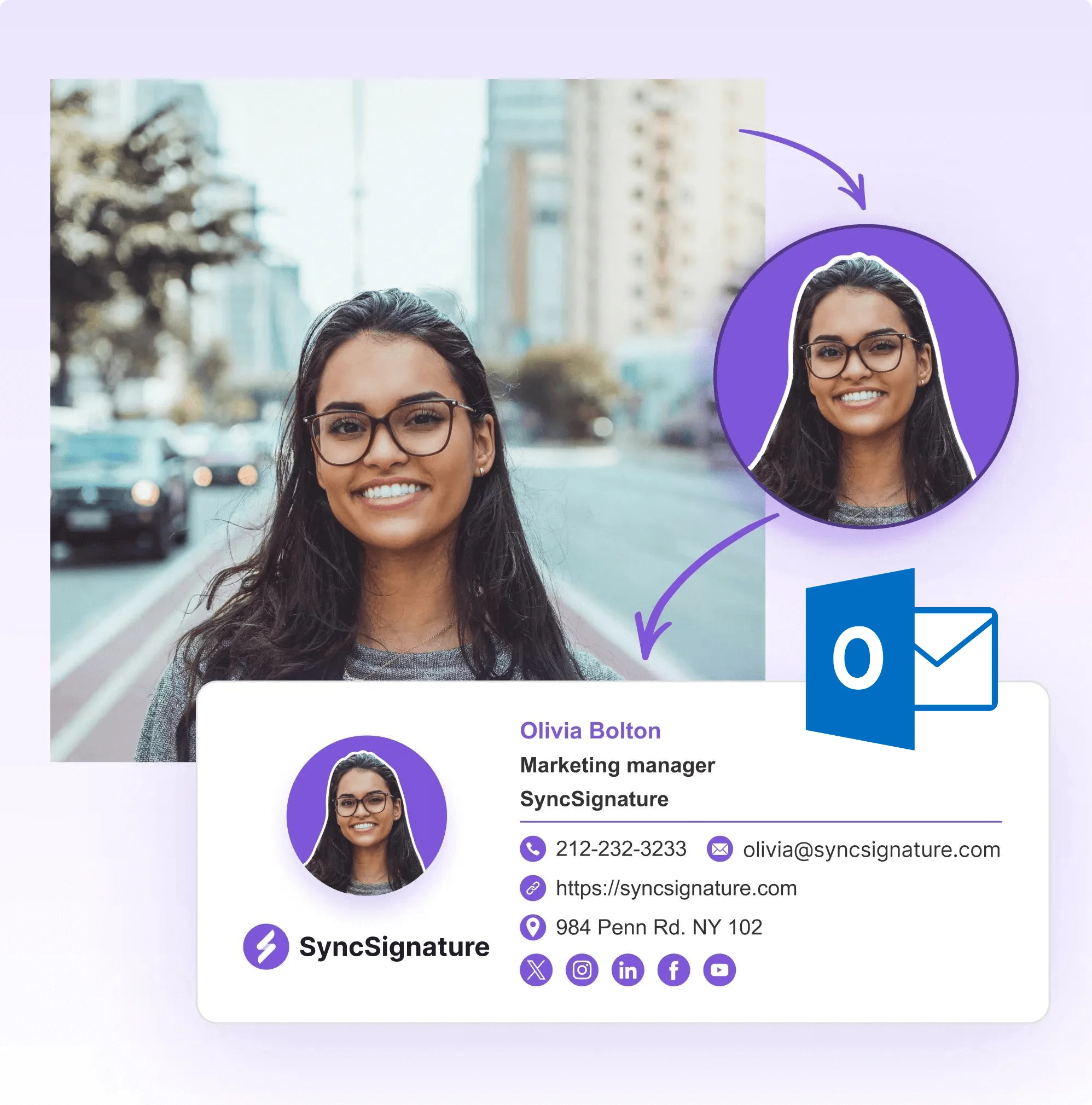
Works with hospital and clinic email systems
Hospital IT environments are varied. From enterprise Microsoft Exchange to Google Workspace to regional clinical systems. SyncSignature signatures are clean HTML that installs correctly in all major email clients with no special IT configuration required.
- Microsoft Outlook / Exchange (most hospitals)
- Gmail / Google Workspace
- Apple Mail
- Web-based email clients (Outlook.com, etc.)

RN Email Signature Template, For Registered Nurses at Every Level
Registered nurses span the full career spectrum. From new graduates in their first clinical role to charge nurses, nurse managers, and chief nursing officers. At every level, your email signature should reflect your current credentials and role. A new RN's signature leads with their nursing credential and unit. A charge RN might add their leadership role. A nurse manager communicates with a broader set of stakeholders, administrators, physicians, external vendors, and their signature should reflect that expanded scope. SyncSignature gives you the flexibility to display your credentials at every career stage.
- New grad RN: credentials, unit, and hospital
- Charge nurse: leadership title and unit designation
- Nurse manager: administrative role and department scope
- CNO/Director of Nursing: executive-level nursing leadership
Nurse Practitioner Email Signature, Templates for NPs and APRNs
Nurse practitioners function with significant clinical autonomy, often serving as the primary provider for patients across a full range of health conditions. An NP's email signature should clearly communicate their advanced practice designation, board certification specialty, and scope of practice. The most important distinction is your board certification specialty: FNP (Family Nurse Practitioner), ACNP (Acute Care), PNP (Pediatric), PMHNP (Psychiatric-Mental Health), WHNP (Women's Health), NNP (Neonatal). Your certification specialty matters to patients, referring providers, and colleagues who need to understand your scope.
- FNP-BC (Family Nurse Practitioner, Board Certified)
- ACNP-BC (Acute Care NP)
- PMHNP-BC (Psychiatric-Mental Health NP)
- NP-C vs APRN: use the most specific designation
BSN Email Signature, Displaying Your Nursing Degree Correctly
The BSN (Bachelor of Science in Nursing) is increasingly the standard entry-level credential for professional nursing. Displaying your BSN correctly signals that you meet the educational standard and are positioned for career growth. The ANCC (American Nurses Credentialing Center) credential order places your highest earned degree first, followed by licensure: 'Jane Smith, BSN, RN'. If you have a graduate degree, it comes first: 'Jane Smith, MSN, RN'. When in doubt, follow ANCC guidelines, they're the authoritative source on nursing credential formatting.
- BSN: Bachelor of Science in Nursing
- Credential order: BSN, RN (degree before licensure)
- If pursuing MSN: 'Jane Smith, BSN, RN' (degree first)
- ANCC guidelines are the authoritative reference
Email Signature With Nursing Credentials, Complete Formatting Guide
The American Nurses Credentialing Center (ANCC) recommends a specific order for nursing credentials: highest earned degree, licensure, state designation, national certifications, then awards or honors. Common examples: 'Maria Gonzalez, DNP, APRN, FNP-BC, FAAN' or 'James Lee, MSN, RN, CCRN'. Avoid common mistakes: don't place RN before your degree (the degree is more prestigious), don't abbreviate certifications without ensuring recipients will recognize them, and don't list expired credentials. Your email signature should reflect your current, active qualifications.
- Order: Degree → Licensure → State designation → Certifications
- Example: 'Jane Doe, DNP, APRN, NP-C, FAAN'
- Only list active, current credentials
- Spell out unfamiliar certifications in the body when needed

What Our Customers Say About SyncSignature





Verified User
Finally a tool that gets nursing credential order right. I can add all my certifications in the correct sequence. Clean, professional, and free.
Christine B.
ICU RN, BSN, CCRN
Verified User
As an NP I wanted my credentials to display correctly and professionally. SyncSignature made that easy. Works perfectly in our practice's Outlook.
David M.
Nurse Practitioner, FNP-BC
Verified User
Set up signatures for my whole nursing department. Consistent hospital branding with each nurse's individual credentials. IT loved that it required no special setup.
Tamara N.
Director of Nursing
Frequently asked questions
The standard nursing credential order is: Name, highest degree (BSN, MSN, DNP), licensure (RN, LPN, APRN), state designation if applicable, then specialty certifications (CCRN, CEN, OCN). For example: 'Sarah Johnson, BSN, RN, CCRN'. Check the American Nurses Credentialing Center (ANCC) guidelines for the authoritative credential order.
The credential goes after the name, not before. The correct format is 'Jane Smith, RN' or, with a degree, 'Jane Smith, BSN, RN'. Do not write 'RN Jane Smith'. The American Nurses Association and ANCC guidelines specify that licensure follows degree credentials. So with a master's degree: 'Jane Smith, MSN, RN, NP'.
A nurse practitioner's signature should include: full name with credentials (e.g., 'Jane Smith, MSN, NP-C' or 'Jane Smith, DNP, APRN, FNP-BC'), specialty or focus area, practice or hospital name, contact phone, and practice website if applicable. NPs often function with significant autonomy, so including your board certification specialty (FNP, ACNP, PNP, PMHNP) is important for context.
Yes. A professional headshot is appropriate for nursing managers, advanced practice nurses communicating with external partners, and nurses in patient-facing administrative roles. For clinical staff communicating internally, it's optional but can help with team recognition. Keep it professional, a clean headshot with a neutral background.
Go to File → Options → Mail → Signatures in Outlook desktop. Click New, name your signature, then paste from SyncSignature into the editor. In Outlook web (office.com), go to Settings → Mail → Compose and reply. If your hospital's IT locks Outlook settings, you may need to request signature support from your IT help desk.
Yes, especially for nurses in leadership, management, advanced practice, or research roles. Email signatures signal professionalism, provide clear identification, and make it easy for recipients to understand your role and contact you back. For nursing leadership communicating with administrators, physicians, and external stakeholders, a polished signature reflects well on you and your organization.
Yes. SyncSignature's team plans let nurse managers, directors of nursing, or hospital IT administrators set up consistent email signatures for an entire unit or nursing department. Each staff member gets their individual name, title, and credentials with shared hospital branding. This is especially useful for onboarding new nursing staff.
It depends on the context. If you're communicating on behalf of the host hospital, use their identity. If you're emailing as a travel nurse professional or communicating with your staffing agency, include your agency name. You can create multiple signature versions in SyncSignature for different contexts.
APRN (Advanced Practice Registered Nurse) is the broader umbrella term. Nurse Practitioner (NP) is one type of APRN. Your signature should be as specific as possible. If you're an NP, include your NP board certification specialty (FNP-BC, ACNP-BC, PNP-PC). This is more informative than just 'APRN'.
A clean headshot adds professionalism, especially for nursing managers and advanced practice nurses. SyncSignature's free AI headshot generator can turn a regular photo into a polished professional image. You can also use the profile picture maker to crop and prepare your photo before adding it to your signature.
Yes. For hospitals and healthcare networks, SyncSignature offers email signature management for healthcare organizations. Centrally create and deploy consistent signatures for all nursing staff, physicians, and administrators from one dashboard.
Our email signatures for doctors guide covers credential formatting and best practices for all clinical roles , including nurses, nurse practitioners, and other healthcare professionals.
Create your professional nurse email signature today
Templates for nurses and nursing professionals. Display your credentials correctly and look professional in every email.