
Lawyer Email Signature Examples for Attorneys, Paralegals, and Legal Professionals
Browse 12 lawyer email signature examples for attorneys, paralegals, and legal professionals, each built with bar admission, practice areas, firm branding, and the legal disclaimer language your firm requires. SyncSignature turns any of them into a polished signature in minutes.

Trusted by 30,000+ professionals including attorneys, law firm staff, and legal professionals


Lawyer Email Signature Examples
Each example below is a real signature variant designed for legal professionals. Click any to load it in the editor and replace the placeholder details with your own.
Solo Attorney
Independent practice signature with bar admission and practice areas.
Open in editorBig-Law Associate
Firm-branded signature with office, practice group, and direct line.
Open in editorPartner
Authoritative layout with leadership title, firm branding, and assistant contact.
Open in editorParalegal
Support-staff signature with attorney supervision and case management contact.
Open in editorPublic Defender
Government-aligned signature with office, division, and docket info.
Open in editorCorporate Counsel
In-house counsel layout with company role, business unit, and contact.
Open in editorCreate your attorney email signature in 3 steps
Choose a law firm template
Select from professional email signature templates designed for the legal profession. Clean, formal layouts that project authority and competence, appropriate for client correspondence, court communications, and business development.
Enter your legal credentials and details
Add your name, attorney title (Partner, Associate, Of Counsel, Solo Practitioner), practice areas, bar admission state(s), firm name, phone, and professional bio link. Upload your headshot and firm logo.
Add your confidentiality disclaimer and install
Add your firm's required attorney-client privilege disclaimer as custom text. Copy your complete signature and install in Outlook or Gmail. Full installation instructions included, setup takes under five minutes.
Choose a law firm template
Select from professional email signature templates designed for the legal profession. Clean, formal layouts that project authority and competence, appropriate for client correspondence, court communications, and business development.
Enter your legal credentials and details
Add your name, attorney title (Partner, Associate, Of Counsel, Solo Practitioner), practice areas, bar admission state(s), firm name, phone, and professional bio link. Upload your headshot and firm logo.
Add your confidentiality disclaimer and install
Add your firm's required attorney-client privilege disclaimer as custom text. Copy your complete signature and install in Outlook or Gmail. Full installation instructions included, setup takes under five minutes.
Display your bar admissions and practice areas
Clients and opposing counsel need to know where you're licensed to practice. SyncSignature lets you list your state bar admission(s) clearly, alongside your primary and secondary practice areas. Clients shopping for attorneys pay close attention to these details.
- State bar admission(s). Single state or multi-state
- Federal court admissions if relevant
- Primary practice areas (Litigation, Corporate, Real Estate, Family Law, etc.)
- Industry specializations (Healthcare Law, Tech Law, Financial Services)
Required legal disclaimer and confidentiality notice
Most law firms require outgoing emails to include a confidentiality notice and attorney-client privilege disclaimer. SyncSignature supports multi-line custom text with smaller font sizing for the disclaimer section, legally present, but visually subordinate to your main signature.
- Attorney-client privilege notice
- Confidentiality disclaimer
- Advertising disclaimer (required in some states: 'This is attorney advertising')
- AV Preeminent® or Martindale-Hubbell rating badges

Law firm logo and attorney headshot
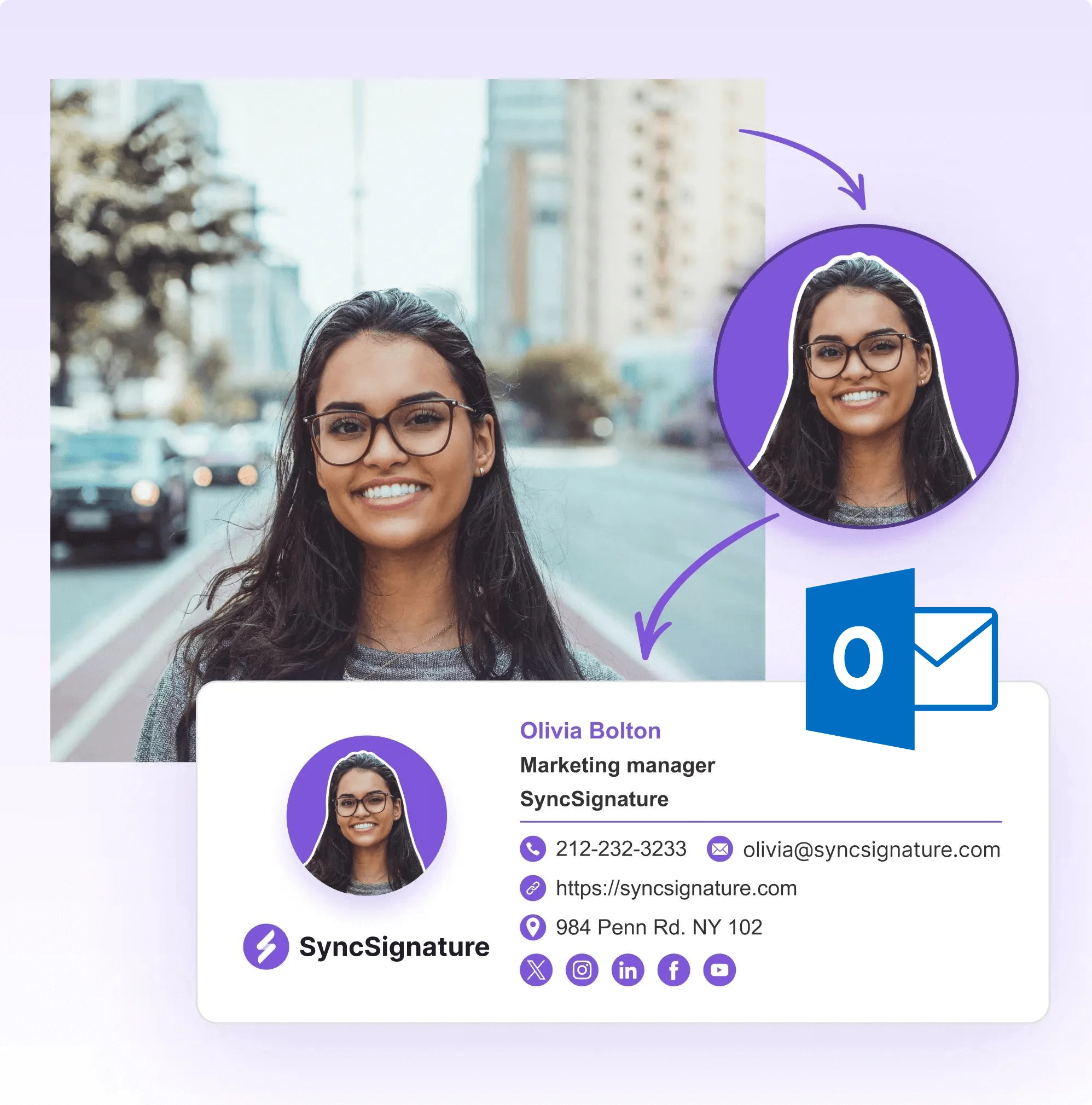
In competitive legal markets, personal brand matters. Clients choose lawyers they trust, and a professional photo builds that trust before you've met. Pair your headshot with your firm's logo for a signature that looks firm-branded and personally accountable.
- Attorney headshot (particularly important for solo and small firm attorneys)
- Law firm logo, sized correctly for email
- Firm color palette in the signature design
- Clean, formal typography appropriate for legal communications
Business development links and Martindale-Hubbell ratings
Every email to a potential client is a business development opportunity. Add your Martindale-Hubbell rating, Avvo profile, law firm bio page, or LinkedIn to your signature to give recipients ways to verify your credentials and experience.
- Martindale-Hubbell AV Preeminent® badge
- Avvo rating and profile link
- Super Lawyers badge if applicable
- Law firm bio page URL

Attorney Email Signature With Bar Number, When and How to Include It
Bar number requirements differ by jurisdiction. In some states (California, Texas, New York), attorneys must include their State Bar number in certain types of advertising communications. In others, it's optional. Even when not required, including your bar number provides an easy way for potential clients to verify your license on the State Bar's public directory.
A common format: 'State Bar No. [######]' listed below your bar admission state(s). For multi-state practitioners, list each state and its corresponding bar number if you choose to include them. SyncSignature gives you custom text fields to display your bar number exactly as your jurisdiction requires.
- State Bar number (required in some jurisdictions for advertising)
- Format: 'CA State Bar No. 123456' or 'Licensed in CA | Bar No. 123456'
- Multi-state: list each state and bar number separately
- Check your state bar's rules of professional conduct
Attorney Email Signature With Confidentiality Notice, Legal Disclaimer Templates
Most law firms require outgoing emails to include an attorney-client privilege notice and confidentiality disclaimer. The exact language varies by firm, jurisdiction, and practice area, but the function is consistent: putting recipients on notice that the communication is privileged and confidential.
A standard form: 'This email and any attachments are confidential and may be protected by attorney-client privilege or the work product doctrine. If you are not the intended recipient, please do not read, copy, or disclose this message. Please notify the sender immediately and delete all copies.' SyncSignature supports multi-line custom text with reduced font sizing for the disclaimer, legally present, but visually subordinate to your professional identity.
- Attorney-client privilege notice
- Confidentiality and non-disclosure disclaimer
- Attorney advertising disclosure (required in some states)
- State-specific jurisdiction notice if required
Email Signature for Individual Attorneys vs. Law Firm Signature Management
There's an important distinction between an individual attorney's email signature and a law firm's signature management system. This page covers individual attorney signatures, creating your personal professional signature with your credentials, practice areas, and firm branding.
If you're responsible for managing signatures across an entire firm, multiple attorneys, consistent firm branding, centralized updates, SyncSignature's law firm signature management solution handles deployment to all attorneys at once, keeps branding consistent across your practice, and lets administrators update contact information and disclaimers firm-wide without involving each attorney individually.
- Individual attorney: personal credentials and firm branding
- Law firm management: centralized control across all attorneys
- Consistent disclaimer language deployed to all attorneys
- New attorney onboarding: signatures ready on day one

What Our Customers Say About SyncSignature





Verified User
I used SyncSignature to upgrade our firm's email signatures. Clean, professional, and the disclaimer text feature is exactly what we needed. Every attorney in the firm looks consistent now.
Katherine M.
Partner, Corporate Law
Verified User
As a solo attorney, having a professional signature is essential. SyncSignature made it easy to include my headshot, practice areas, and bar admission without any design experience.
David C.
Solo Practitioner, Family Law
Verified User
My previous firm had terrible email signatures. After joining a new firm, I used SyncSignature to create something actually professional. Easy setup, looks great in Outlook.
Jessica A.
Associate Attorney, Litigation
Frequently asked questions
A professional attorney email signature should include: full name and bar title, firm name and position (Partner, Associate, Of Counsel), practice areas, bar admission(s), direct phone, firm website, and a confidentiality disclaimer. Optional additions: headshot, firm logo, LinkedIn, Martindale-Hubbell rating, and an attorney bio link. State advertising rules may require additional disclosures.
A common form: 'This email and any attachments are confidential and may contain attorney-client privileged information. If you are not the intended recipient, you are prohibited from using or disclosing this information in any way. Please notify the sender immediately and destroy all copies of this email.' Have your firm's general counsel or managing partner review and approve your exact disclaimer language.
It depends on your state. Some state bar rules (New York, Florida, Kentucky, and others) require that attorney advertising materials, including emails, include the disclaimer 'Attorney Advertising' or 'This is attorney advertising.' Check your state bar's rules of professional conduct, specifically the rules on lawyer advertising.
Bar number requirements vary by jurisdiction. Some states require bar numbers in certain communications (e.g., court filings), but most don't require them in standard email signatures. Check your state bar's rules. Even if not required, including it can be useful in jurisdictions where clients may want to verify your license.
Yes. SyncSignature's team plans let law firm administrators create consistent signatures for all attorneys and staff, with locked firm branding and individual attorney details. When firm information changes (new address, phone, website), administrators can update all signatures at once without contacting every attorney individually.
JD degrees are typically not listed in attorney signatures. Unlike medical professions, the JD is assumed for licensed attorneys. However, an LLM (Master of Laws) in a relevant specialty (LLM in Tax, LLM in International Law) is worth including as it signals specialized expertise. Non-legal graduate degrees (MBA, MD) can be included if professionally relevant to your practice.
In Outlook desktop, go to File → Options → Mail → Signatures. Click New, name your signature, and paste the content from SyncSignature. Set it as default for new messages. If your firm's IT controls Outlook configuration, work with your IT team. SyncSignature generates clean HTML that installs correctly in all versions of Outlook.
Yes. SyncSignature lets you create and save multiple signature versions. You might have a more detailed signature with headshot and business development links for client-facing emails, and a simpler, more formal signature for court and regulatory correspondence. Both can be active in your email client and selected as needed.
SyncSignature supports image uploads in signatures. You can upload the official Martindale-Hubbell AV Preeminent® badge (download from your Martindale-Hubbell profile) and include it as an image in your signature. Similarly for Super Lawyers, Best Lawyers, or Chambers USA ratings. Make sure you're using the official badge images and following the rating service's usage guidelines.
Yes. For firms managing signatures across all attorneys and staff, SyncSignature offers email signature management for law firms. Centrally deploy compliant signatures with required disclaimers and bar credentials across your entire firm.
Our email signatures for lawyers guide covers required disclaimers, bar admission formatting, what to include for different practice areas, and how attorneys can use email signatures to build credibility in client and court communications.
Create your professional attorney email signature today
Templates for lawyers and law firms. Include bar admission, practice areas, and required disclaimers. Free to start.