
Free Email Signature Generator — Create Email Signatures Online for Free
Create a professional email signature in minutes — 100% free, no credit card required. Use our free signature generator to choose from 100+ templates, add your logo, headshot, and social links, then install in Gmail, Outlook, or Apple Mail with one click. Simple enough for non-technical users, powerful enough for growing teams.

Works with Gmail, Outlook, Apple Mail, and More


Create a Custom Email Signature in 3 Steps
Pick a template
Browse 100+ email signature templates - minimal, creative, professional, or promotional. Filter by style, industry, or email client. Every template is mobile-responsive and tested across Gmail, Outlook, and Apple Mail.
Customize your signature
Add your name, title, phone number, company logo, headshot, and social media links. Adjust colors and fonts to match your brand. Our email signature builder shows a live preview as you edit - what you see is what your recipients see.
Install in your email client
Copy your signature with one click and paste into Gmail, Outlook, or Apple Mail. Or download the HTML to use in any email client. Full installation guides included for every platform.
Pick a template
Browse 100+ email signature templates - minimal, creative, professional, or promotional. Filter by style, industry, or email client. Every template is mobile-responsive and tested across Gmail, Outlook, and Apple Mail.
Customize your signature
Add your name, title, phone number, company logo, headshot, and social media links. Adjust colors and fonts to match your brand. Our email signature builder shows a live preview as you edit - what you see is what your recipients see.
Install in your email client
Copy your signature with one click and paste into Gmail, Outlook, or Apple Mail. Or download the HTML to use in any email client. Full installation guides included for every platform.
Everything You Need in a Free Email Signature Creator
Contact details
Name, job title, phone, email, and company address. The basics that make your signature useful, not just decorative.
Company logo
Upload your logo and we'll optimize it for email. Correct dimensions, compressed file size, hosted on our CDN so it loads fast and never breaks.
Professional headshot
Add a photo that builds trust. Use our AI headshot generator to create a polished headshot from any photo.
Social media icons
LinkedIn, Twitter/X, Facebook, Instagram, YouTube, GitHub, and 20+ other platforms. Clickable icons, not text links.
Call-to-action banner
Promote an event, a product launch, a case study, or a seasonal offer. Swap banners anytime without rebuilding your signature.
Legal disclaimer
Add confidentiality notices, regulatory disclaimers, or compliance text required by your industry.
Scheduling link
Calendly, Cal.com, HubSpot meetings — embed your booking link so recipients can schedule directly from your email.
Custom fields
Pronouns, license numbers, office hours, or anything else your recipients need to see.
Free Email Signature Templates — 100+ Designs
Browse professional templates across every style: minimal, classic, creative, promotional, with headshot, real estate, healthcare, legal, tech, and more. Every template is mobile-responsive and tested on Gmail, Outlook, and Apple Mail.


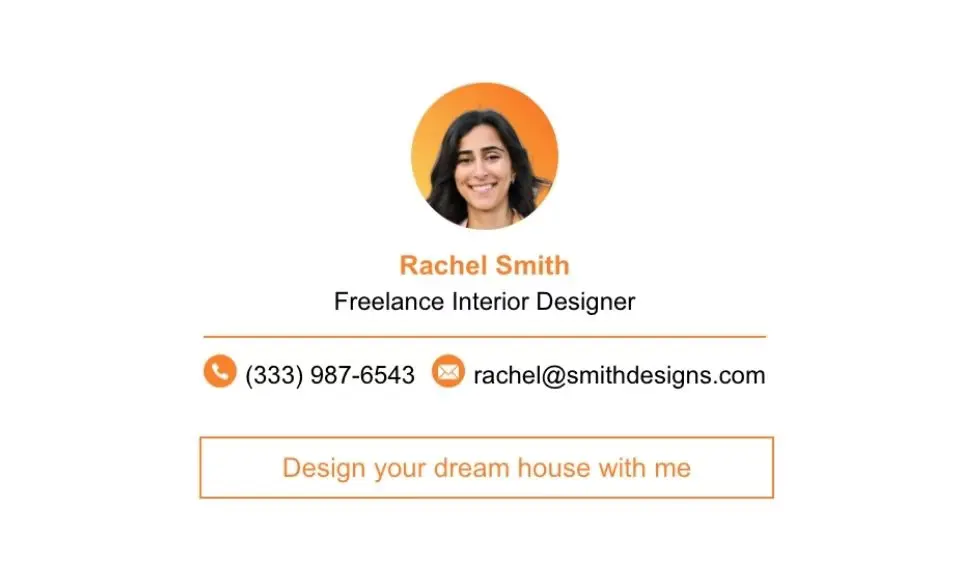








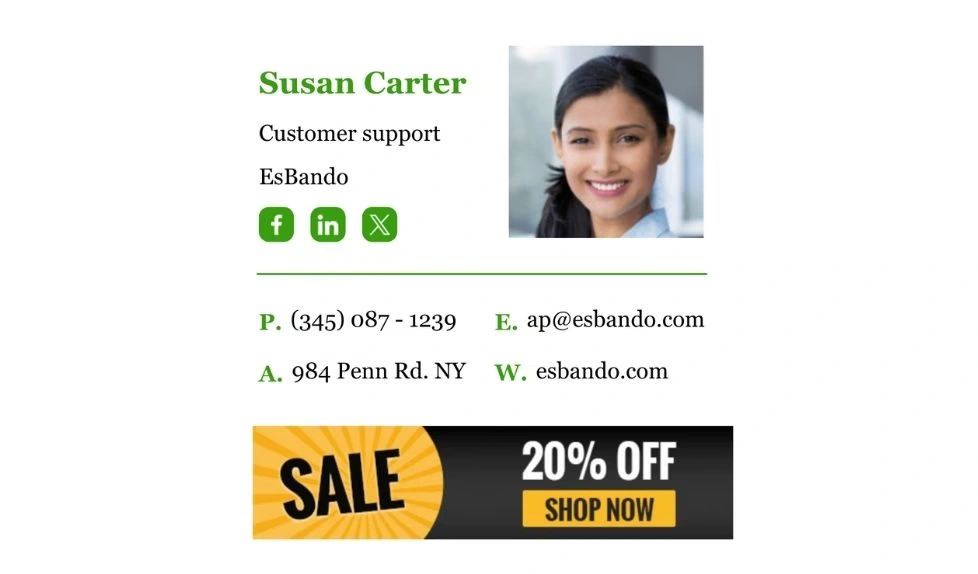
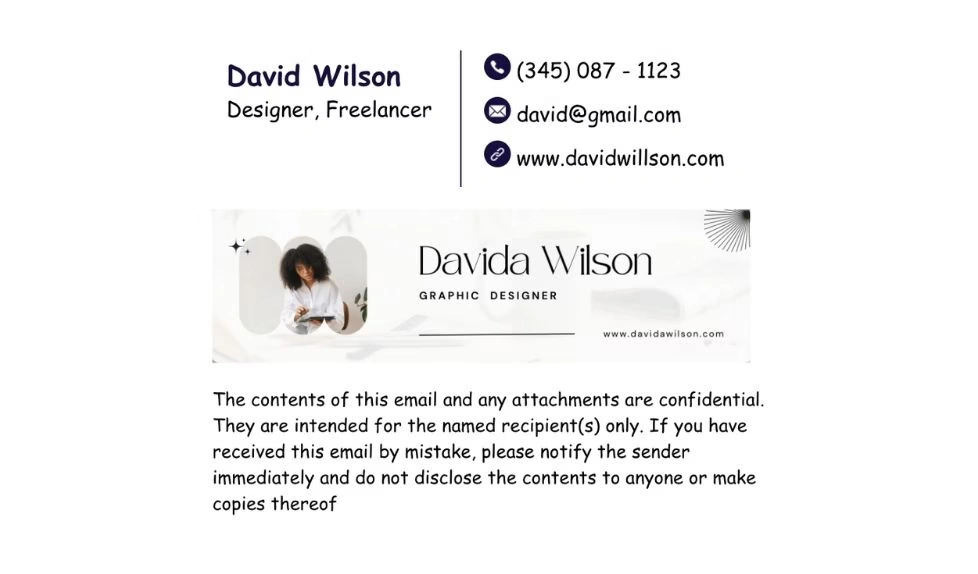
Email Signature Generator for Every Platform
Free Email Signature Generator for Gmail
The free Gmail signature maker trusted by 30,000+ professionals. Create Gmail signatures that look polished on desktop, Android, and iOS — our generator handles Gmail's formatting quirks so your signature works everywhere. Whether you need a personal Gmail signature or a company-wide Gmail signature maker for your whole team, SyncSignature handles both.
→ Create Gmail Signature

Outlook Email Signature Generator
The Outlook signature maker that handles every version. Outlook rendering varies wildly between Outlook for Windows, Mac, Outlook on the web, and the new Outlook app. Our Outlook email signature generator produces HTML that works across all versions — including the notoriously difficult desktop client that uses Word as its rendering engine.
→ Create Outlook Signature

Email Signature Generator for Apple Mail
Apple Mail supports rich HTML signatures, but the installation process is different from Gmail and Outlook. Our generator provides a one-click copy method and step-by-step guides for macOS Mail and iOS Mail.
→ Create Apple Mail Signature
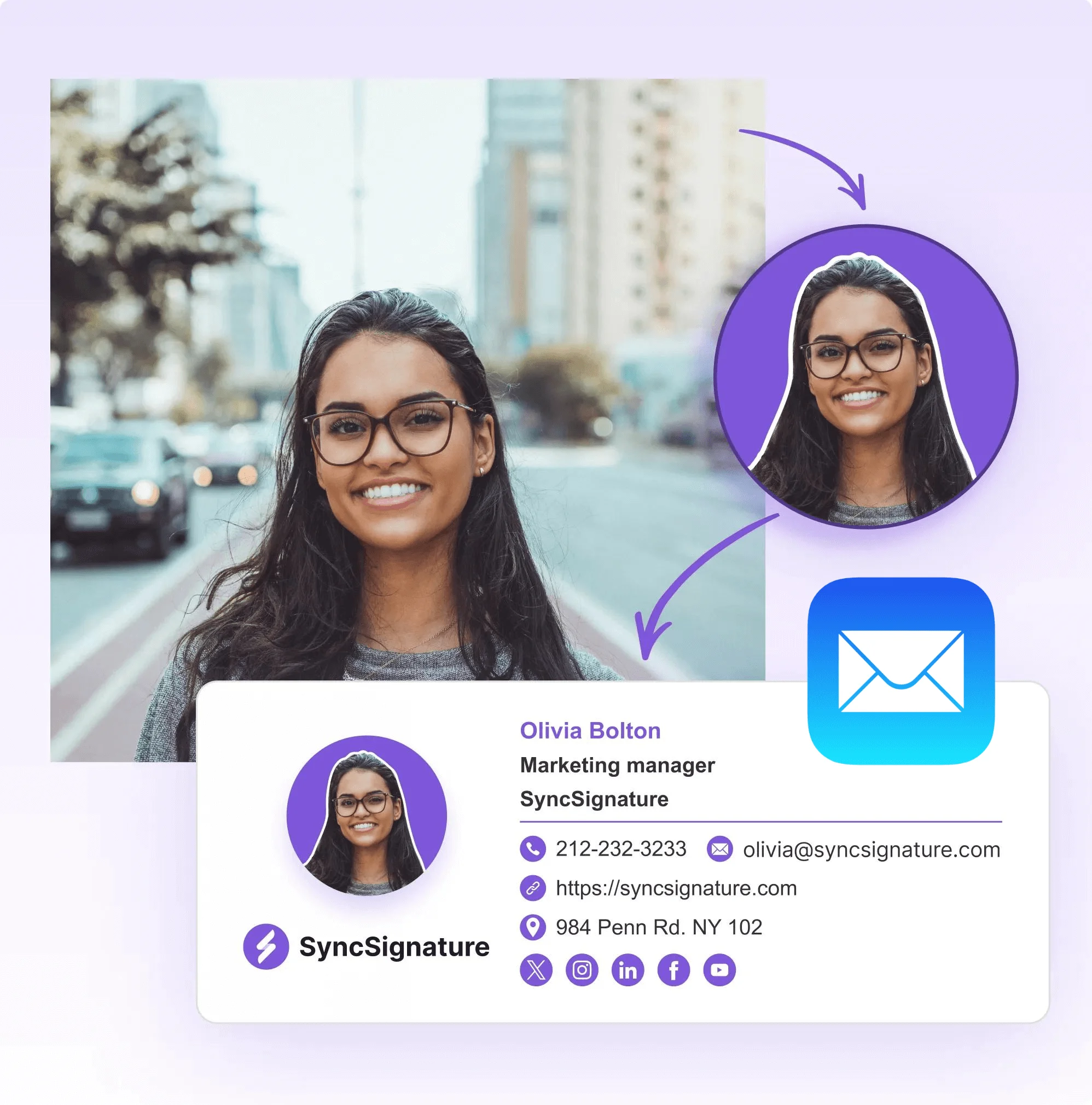
What Makes SyncSignature the Best Email Signature Maker
Whether you call it an email signature generator, maker, or builder — SyncSignature does it all, free.

100+ professionally designed templates
Not generic boxes. Our templates are designed for specific industries and roles - real estate, healthcare, tech, consulting, sales. Every template is mobile-responsive and tested on Gmail, Outlook, Apple Mail, Yahoo, and Thunderbird.

Easy Drag-and-Drop Email Signature Builder
No HTML knowledge needed. Our visual email signature builder lets you arrange elements, adjust spacing, and preview changes in real time. If you can use Canva, you can use SyncSignature.

Mobile-responsive by default
Over 60% of emails are opened on phones. Every signature you create with our generator is automatically optimized for mobile screens - no separate mobile version needed.

One-click installation
Copy-paste into Gmail, Outlook, or Apple Mail in under 30 seconds. We generate platform-specific instructions and handle the HTML formatting so you don't have to.

Clean HTML email signature export
Generate production-ready, table-based HTML code compatible with Gmail, Outlook, HubSpot, Salesforce, Zendesk, and any email client. No messy inline CSS — just clean HTML that renders correctly everywhere, including clients that strip stylesheets.

Free forever plan
Create and use a professional email signature at no cost. Paid plans add premium templates, analytics, and team management.
Create a Professional Email Signature in Minutes
Join 30,000+ professionals using SyncSignature — the free professional signature maker trusted by teams at every size.
Trusted by 30,000+ Professionals




Professional Email Signatures Made Effortless!
I didn’t realize how messy my email signature looked until I fixed it. SyncSignature helped me set up a clean, professional signature, and now every email I send looks consistent.

Chirag G.
Director - Strategy & Innovation
Great platform! saved us a ton of time!
I love how easy it is to create professional-looking email signatures with SyncSignature. The templates are modern and eye-catching, saving me lots of time. I also like that I can update everyone's signatures in my company at once.

Bratislava V.
Digital Marketer & Copywriter
Made our brand look consistent in every email!
Before this, everyone had slightly different formats and photos. Now every team member’s signature looks perfectly on-brand with logo, colors, CTAs, everything. The setup was super easy, and updates rolled out instantly to all users. It’s one of those small tools that quietly makes your brand look 10x more professional easily.

Anastasia Liamets
Senior Product Marketing Manager
Easily integrates with Google Workspace
I got it thinking about enhancing my value proposition to some customers, but I started using it for myself and I love it. I use Google Workspace and so far so good, easy to use, good templates, good customization, 100% recommended.

Sergio Rey
Built for Every Professional
Freelancers and consultants
Stand out from the competition. A professional email signature with your portfolio link, Calendly booking, and social profiles turns every email into a business card that works.
→ Create free signature

Sales teams
Add tracking links, promotional banners, and meeting schedulers. Know when a prospect clicks your LinkedIn or downloads your case study.
→ Manage team signatures

Startups and small businesses
Consistent email signatures across your whole team without paying for enterprise tools. Start with our free email signature creator and upgrade to team management when you grow.
→ See how team management works

Marketing teams
Run banner campaigns across all employee signatures. Promote launches, events, and content from the most-seen real estate in your company: the email footer.
→ Learn about signature campaigns

HR and IT
Auto-sync with Google Workspace or Office 365. Deploy signatures to every employee without asking them to do anything. Update 500 signatures in one click.
→ See how team management works

Real estate agents
Showcase listings, include your license number, and add a scheduling link. Our email signature designer has templates built specifically for real estate.
→ Create free signature

Professional email signatures by role
Templates built for your specific profession — not just a generic design.
Executive templates for CEOs, founders & C-suite leaders
View templatesProfessional templates for educators and school staff
View templatesBuild credibility and make the right impression as a student
View templatesTrust-building templates for real estate agents and brokers
View templatesEmail Signature Generator - Frequently Asked Questions
An email signature generator is a tool that lets you design a professional email footer with your name, title, contact info, company logo, headshot, and social media links - without writing any HTML code. You choose a template, enter your details, and the tool generates the signature code that you install in Gmail, Outlook, Apple Mail, or any other email client.
Yes, absolutely. The free email signature generator plan includes free templates, custom logo and headshot upload, social media icons, mobile-responsive design, and unlimited edits. There's no credit card required and no hidden fees. Premium plans add more templates, analytics, and team management features — but the free plan gives you everything you need to create professional signatures.
Click "Copy Signature" in the editor and paste it into your email client's signature settings. We provide step-by-step guides for Gmail, Outlook, and Apple Mail. The process takes under 30 seconds for most clients.
Yes. You can create multiple signatures in your SyncSignature account - one for each email address, role, or purpose. Each signature can have its own design, contact details, and branding.
Every signature created with SyncSignature is mobile-responsive. We use table-based HTML layouts (not CSS-dependent) to ensure consistent rendering on phones, tablets, and desktop clients. We've tested across 30+ email client and device combinations.
Yes. Upload your logo and photo directly in the editor. We automatically resize and compress images for optimal email rendering. You can also use our AI headshot generator to create a polished professional headshot from any photo.
Yes. You can copy the generated HTML code and use it in any email client, CRM (HubSpot, Salesforce), or helpdesk tool (Zendesk, Intercom, Freshdesk). The HTML uses clean, table-based markup compatible with most tools. Generate production-ready HTML email signatures with table-based code compatible with Gmail, Outlook, HubSpot, Salesforce, Zendesk, and any email client. Export clean HTML email signatures with no messy inline CSS — just clean HTML that renders correctly everywhere, including clients that strip stylesheets.
Individuals can create signatures for free. If you need consistent signatures across a team or company with centralized control, one-click deployment, and directory sync then see our email signature management plans.
A generator helps you create a single signature for yourself. Signature management software lets an admin create, deploy, and update signatures for an entire team from one dashboard with integrations for Google Workspace and Office 365. Most people start with the generator and upgrade to management as their team grows.
As often as you want. Every edit is saved instantly and you can reinstall with one click. If you use our Chrome extension, changes sync automatically and no manual reinstallation needed.
SyncSignature generates clean, production-ready HTML email signatures automatically. Choose a template, fill in your details, and click Copy Signature — you get table-based HTML that renders correctly in Gmail, Outlook, Apple Mail, HubSpot, Salesforce, Zendesk, and any other email client. You can also download the raw HTML code to use in any tool that accepts custom HTML signatures. No coding required.
Yes. SyncSignature offers a free plan with access to a solid selection of professional templates — minimal, creative, professional, promotional, with headshot, and more. Premium plans unlock the full library of 100+ templates covering specific industries and roles including real estate, healthcare, legal, tech, and consulting. No credit card required to get started.
Yes. SyncSignature's free forever plan lets you create and use a fully professional email signature at no cost — including logo upload, headshot, social media icons, and unlimited edits. There's no time limit and no credit card required. Paid plans add premium templates, signature analytics, and team management features for companies that need centralized control.
Create Your Professional Email Signature Now
Join 30,000+ professionals who use SyncSignature. Free forever - upgrade only if you need team features.
No credit card required · 100+ templates · Works with Gmail, Outlook, Apple Mail