
Doctor Email Signature Examples for Physicians and Medical Professionals
Browse doctor email signature examples for physicians, surgeons, residents, and medical professionals, each built to display your credentials, specialty, and hospital affiliation clearly. SyncSignature turns any of them into a polished, on-brand signature in minutes.

Trusted by 30,000+ professionals including physicians, specialists, and healthcare teams


Doctor Email Signature Examples
Each example below is a real signature variant designed for medical professionals. Click any to load it in the editor and replace the placeholder details with your own.
Physician (MD)
Standard signature with MD credential, specialty, and hospital affiliation.
Open in editorSurgeon
Surgical specialty layout with board certifications and OR contact details.
Open in editorResident
Designed for residents, lists program year, specialty, and supervising attending.
Open in editorSpecialist (with sub-specialty)
Highlights primary and sub-specialty for referral and consult communication.
Open in editorPrivate Practice Doctor
Patient-friendly layout with clinic name, address, and appointment line.
Open in editorHospital-Affiliated Doctor
Multi-affiliation signature for doctors practicing across hospital systems.
Open in editorCreate your physician email signature in 3 simple steps
Choose a medical professional template
Select from clean, professional email signature templates appropriate for healthcare settings. Templates are designed to be readable and authoritative, matching the professionalism patients and colleagues expect.
Enter your medical credentials
Add your name, degrees and post-nominals (MD, DO, MBBS, PhD), specialty, board certifications, hospital or practice affiliation, office phone, and fax if needed. Preview updates in real time.
Install in your preferred email client
Copy your signature and install it in Outlook, Gmail, or your hospital's email system. Step-by-step instructions for all major clients included. Setup takes under two minutes.
Choose a medical professional template
Select from clean, professional email signature templates appropriate for healthcare settings. Templates are designed to be readable and authoritative, matching the professionalism patients and colleagues expect.
Enter your medical credentials
Add your name, degrees and post-nominals (MD, DO, MBBS, PhD), specialty, board certifications, hospital or practice affiliation, office phone, and fax if needed. Preview updates in real time.
Install in your preferred email client
Copy your signature and install it in Outlook, Gmail, or your hospital's email system. Step-by-step instructions for all major clients included. Setup takes under two minutes.
Display your medical credentials correctly
The order and format of medical post-nominals matters. SyncSignature gives you full control over how your credentials appear, whether that's 'John Smith, MD, FACP' or 'Dr. Jane Doe, MBChB, FRCS'. Every field is customizable.
- Medical degree (MD, DO, MBBS, MBChB, PhD)
- Board certifications and fellowships (FACP, FACS, FACEP)
- Specialty and subspecialty
- Hospital or practice name and department
Include hospital affiliation and practice details
Your practice or hospital affiliation adds immediate context and credibility. Whether you're in private practice, a hospital system, or academic medicine, your affiliation tells recipients exactly where you work and how to reach you.
- Hospital or health system name
- Department or division
- Office address and phone
- Fax number (still commonly required in healthcare)

Professional photo for physician recognition
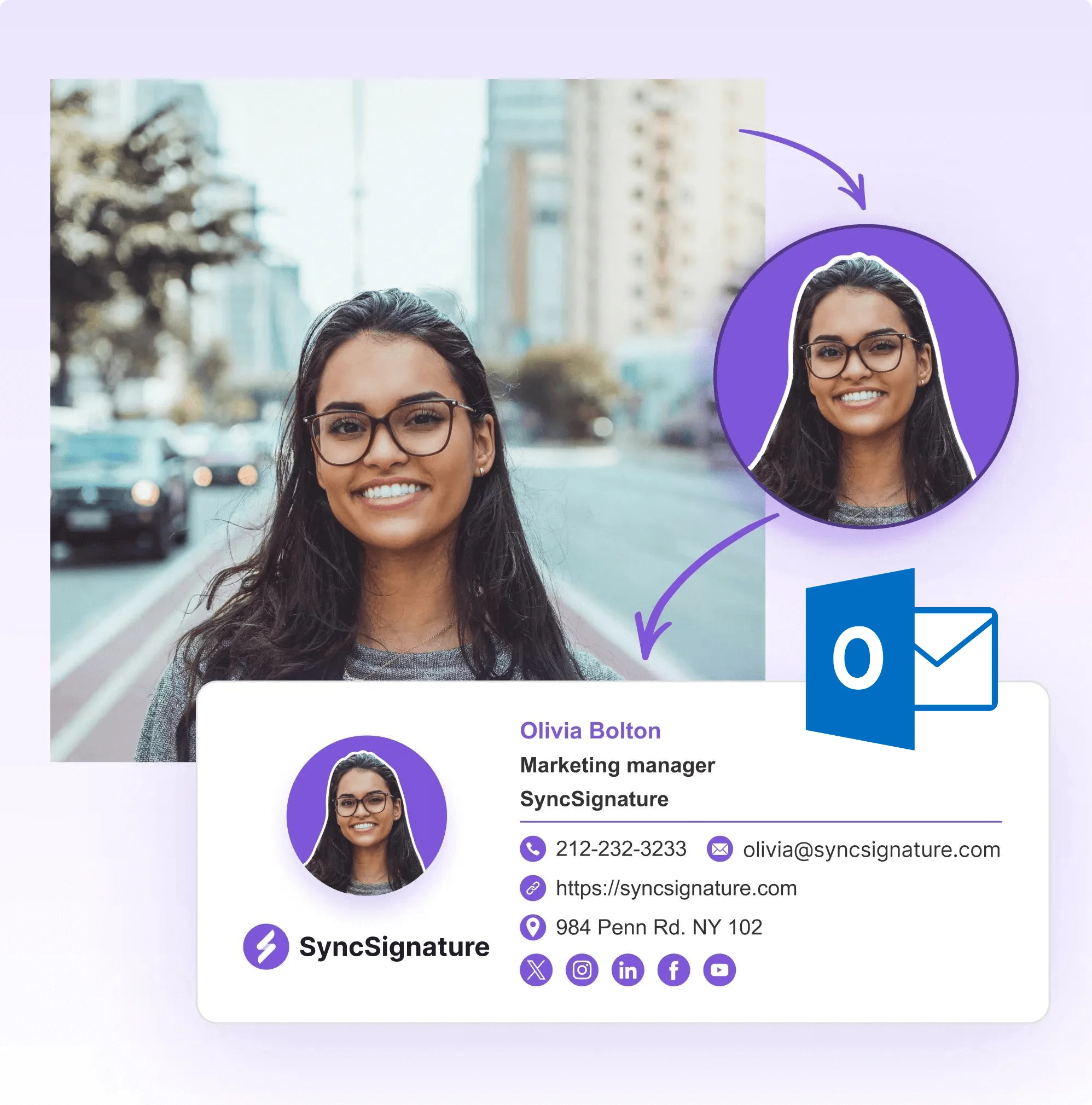
Particularly in multi-provider practices, telemedicine, and specialist referrals, a professional photo helps patients and colleagues connect a name to a face. Upload your headshot for a personal, trusted appearance.
- Professional headshot upload in the signature editor
- Displays cleanly on all devices
- Circle or square photo format options
- Build patient recognition across all communications
Add a professional confidentiality disclaimer
Many hospitals and healthcare organizations require a confidentiality notice in all outgoing emails. SyncSignature lets you add standardized disclaimer language approved by your compliance team, ensuring consistent messaging across your entire practice without disrupting the clean design of your signature.
Credential accuracy, secure image hosting for headshots, and centralized template control for group practices are all built in. For group practices and health systems, administrators configure the template once, every physician's signature stays consistent without individual setup.
- Custom disclaimer text field for any confidentiality language
- Confidentiality notice for patient and colleague communications
- Smaller font for disclaimer text (visually separated)
- Can be updated centrally for team and group practice plans

MD Email Signature, Templates for Medical Doctors
MD (Doctor of Medicine) is the most common medical degree in the United States. An MD email signature should format credentials clearly, placing 'MD' after the name, followed by any board certifications or fellowships. SyncSignature gives you full control over credential ordering and formatting, so your signature meets the professional standards expected in your practice setting. Whether you're in a solo practice, a multi-specialty group, or an academic medical center, your signature format should reflect your current role.
- Format: 'John Smith, MD' or 'John Smith, MD, FACP'
- Specialty clearly stated below name and degree
- Hospital or practice name and department
- Office phone and scheduling contact if appropriate
Doctor Email Signature With Credentials, Display Your Qualifications Correctly
The order of credentials in a medical email signature follows professional convention: primary degree first (MD, DO, MBBS), then board certifications, then fellowship designations. Getting this right signals professionalism and attention to detail, it matters to colleagues who understand the conventions. SyncSignature gives you complete control over every field, so you can display 'Jane Doe, MD, PhD, FACP' or 'James Chen, DO, FACEP' exactly as your professional situation requires.
- Primary degree: MD, DO, MBBS, MBChB
- Board certifications: specialty-specific (FACP, FACS, FACEP, FAAFP)
- Fellowship and honorary designations
- Academic titles if in academic medicine (Professor, Assistant Professor)
Physician Email Signature, For Specialists, Primary Care, and Academic Medicine
Physician email signatures vary by practice setting. A primary care physician communicates with patients, specialists, and insurance, their signature needs to be accessible and clear. A specialist's signature should lead with their specialty and subspecialty. An academic physician may hold faculty titles alongside their clinical role. SyncSignature's fully customizable fields let you build the signature that fits your specific practice type, without compromising the professional standard required in medicine.
- Primary care: accessible contact info, patient portal links
- Specialists: specialty and subspecialty prominently displayed
- Academic medicine: faculty title and institution
- Multi-practice: primary affiliation and contact point

What Our Customers Say About SyncSignature





Verified User
Exactly what I needed. Clean, professional, and my credentials display correctly. Took me 10 minutes to set up and my patients and colleagues have commented on how polished it looks.
Dr. Anika S.
Internal Medicine Physician
Verified User
Great for individual doctors. I was able to add my fellowship credentials and hospital affiliation clearly. The disclaimer text feature is useful for our compliance requirements.
Dr. Robert K.
Orthopedic Surgeon
Verified User
Used SyncSignature for our three-physician practice. Everyone has a consistent look with individual details. Made us look much more like a real professional practice.
Dr. Maria L.
Family Practice Physician
Frequently asked questions
A physician email signature should include: full name with post-nominals (MD, DO, FACP, etc.), specialty and subspecialty, hospital or practice name and department, office phone number, fax number if applicable, and a confidentiality disclaimer if required by your institution. Optionally add a professional headshot and a link to your practice website or patient portal.
Include your primary medical degree (MD, DO, MBBS, MBChB), followed by any relevant fellowships or board certifications (FACP, FACS, FACEP, FAAFP). Academic titles like PhD can follow. Use the order: highest degree, then certifications, then fellowships. For example: 'John Smith, MD, PhD, FACP'. Check your institution's communications policy for guidance.
Many practices and hospitals require a standardized disclaimer in all outgoing emails. A common confidentiality disclaimer reads: 'This email and any attachments contain confidential and may contain privileged information. If you are not the intended recipient, please notify the sender and delete this email immediately. Unauthorized access, use, or disclosure is prohibited by law.' Some practices use shorter disclaimers, while hospitals often require more detailed language. Work with your institution's legal or compliance team to determine the required disclaimer language. SyncSignature lets you add custom disclaimer text below your signature, you can use the same disclaimer across all staff to ensure consistency, or allow individual practitioners to customize based on their practice setting (private practice, hospital, academic medicine, etc.). The disclaimer should be formatted in a smaller font than your main credentials to maintain a clean, professional appearance.
For most clinical communications, this isn't necessary. Your current credentials and affiliation are what matter. However, for academic medicine or research communications, you might add your academic title and institution. Keep it concise, signatures can become unwieldy if they include your entire CV.
Most U.S. hospital systems use Microsoft Outlook / Exchange or Epic's secure messaging system. Some smaller practices use Gmail via Google Workspace. SyncSignature provides installation instructions for all of these. Note that Epic's internal messaging is separate from external email clients.
In Outlook, go to File → Options → Mail → Signatures → New. Name your signature and paste the content from SyncSignature into the editor. Set it as the default for new messages and replies. If your hospital has IT-controlled Outlook templates, you may need IT support to install a custom signature.
Yes. SyncSignature's team plans let practice administrators create consistent signatures for all physicians and staff, with shared branding (practice name, logo) and individual details (each doctor's name, specialty, credentials). This ensures all patient-facing emails have a consistent, professional appearance.
NPI numbers are used for billing and insurance purposes, not typically displayed in patient-facing email signatures. However, in some B2B communications (referrals, insurance correspondence), it may be appropriate to include it. This is generally optional.
A professional headshot adds credibility to patient and colleague communications. SyncSignature's free AI headshot generator can transform a casual photo into a polished professional image. You can also use the profile picture maker to resize and clean up your existing photo before adding it to your signature.
Yes. For hospitals, medical groups, and multi-facility organizations, SyncSignature offers email signature management for healthcare organizations. Centrally deploy and update signatures for all physicians, nurses, and administrative staff from one admin console.
Our email signatures for doctors guide covers credential formatting, medical disclaimers, what to include for different physician specialties, and how to create a signature that builds trust with patients and colleagues.
Create your professional doctor email signature today
Templates for physicians and healthcare professionals. Display credentials correctly, look professional in every email.