
Updated: October 2026
Quick Answer. A good HTML email signature puts a name, job title, company and two or three contact lines in plain text, with an optional logo and a divider. Text-based layouts render reliably across Gmail, Outlook, Apple Mail and Yahoo Mail. Logos, banners and colored buttons add brand value but need hosted images and testing. The 16 examples below run from the simplest text block to agency and campaign layouts, and each one links to a setup guide.
These are the signature layouts used across our setup guides, collected in one place so you can compare them side by side. They are grouped by how much design they carry, starting with the layouts that never break.
Text-first signatures
Plain text with links is the safest choice. There is nothing to host, nothing for a mail client to strip, and nothing to invert in dark mode.
Plain text with labeled contact lines
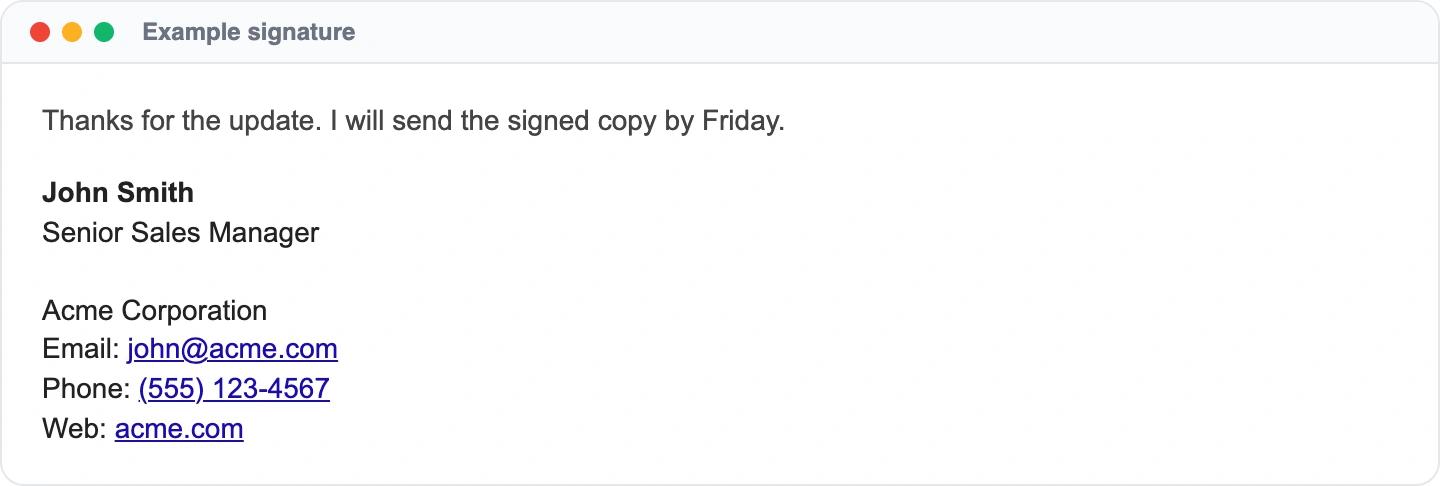
Labels like Email and Phone make each line easy to scan, and because there is no background color or image, the signature reads the same in dark mode. Setup steps: email signature dark mode.
Minimal business signature for Gmail
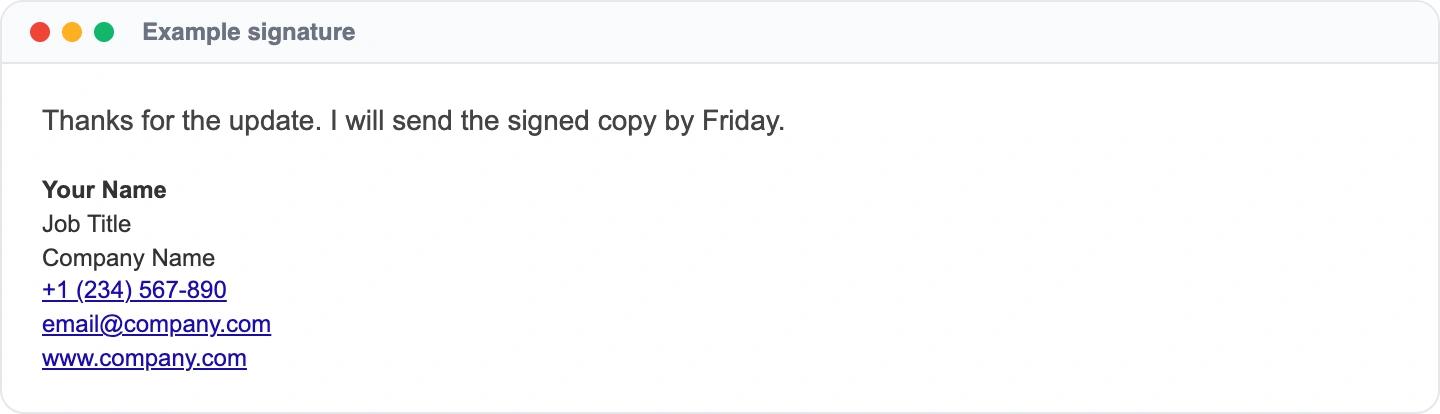
The shortest signature a business email needs: name, title, company and three ways to reach the sender. Setup steps: how to add a signature in Gmail.
Minimal business signature for Outlook
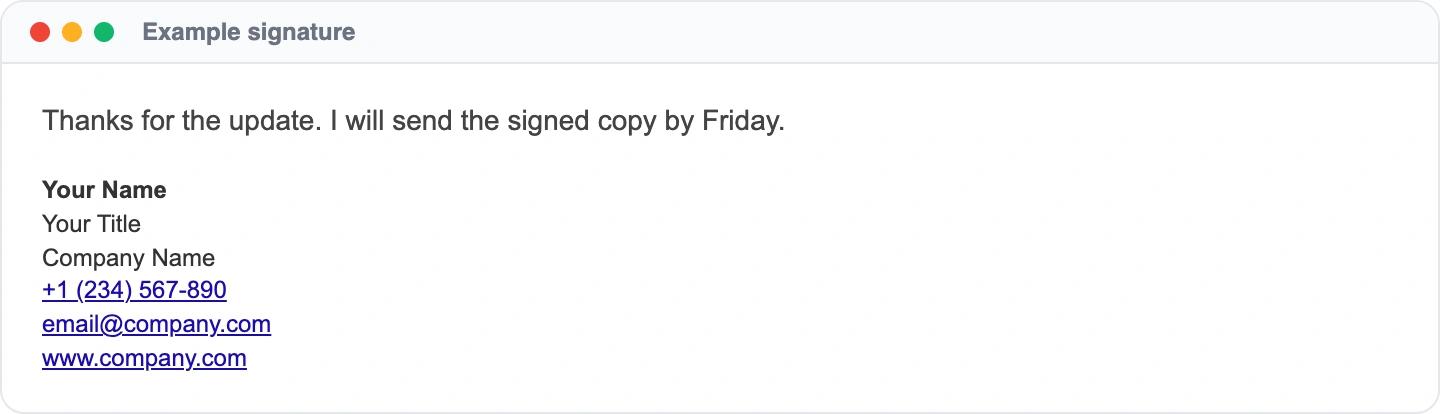
The same structure works in Outlook on desktop and on the web. Keep the font to Arial or another system font so it matches on every machine. Setup steps: how to add a signature in Outlook.
Spaced layout for Yahoo Mail
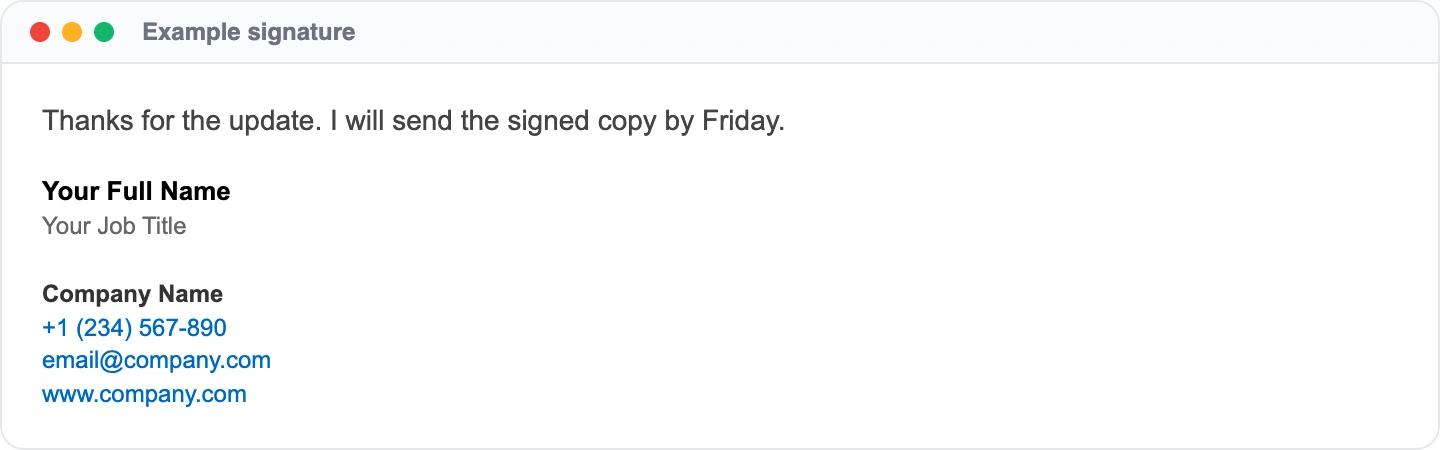
A blank line between the person and the company splits the block into two parts, which helps when the signature runs to six lines. Setup steps: how to add a signature in Yahoo Mail.
Signatures with a logo
A logo is the most common addition. It has to be hosted at a public HTTPS address, because email clients load it from the web each time the message is opened.
Logo on top, details below
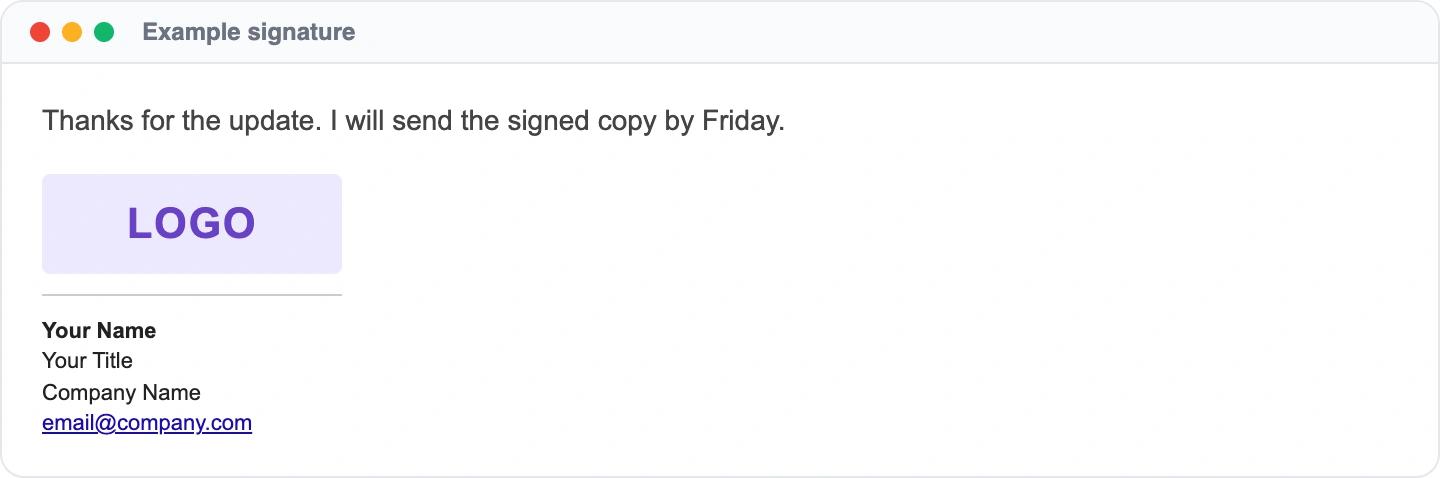
A thin divider separates the brand from the person. This stacking works well on phones because nothing sits side by side. Setup steps: adding a logo to your email signature.
Logo with colored contact links
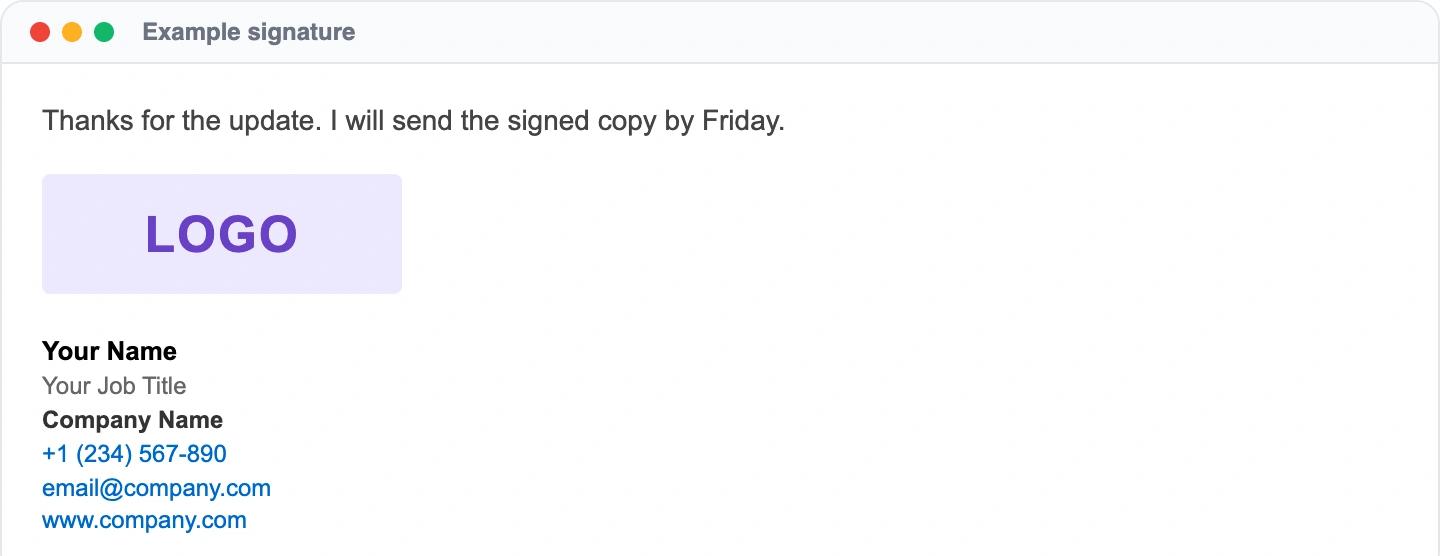
Blue phone, email and website links tell the reader which lines are clickable without extra icons. Setup steps: how to add a signature in Mailbird.
Compact logo signature
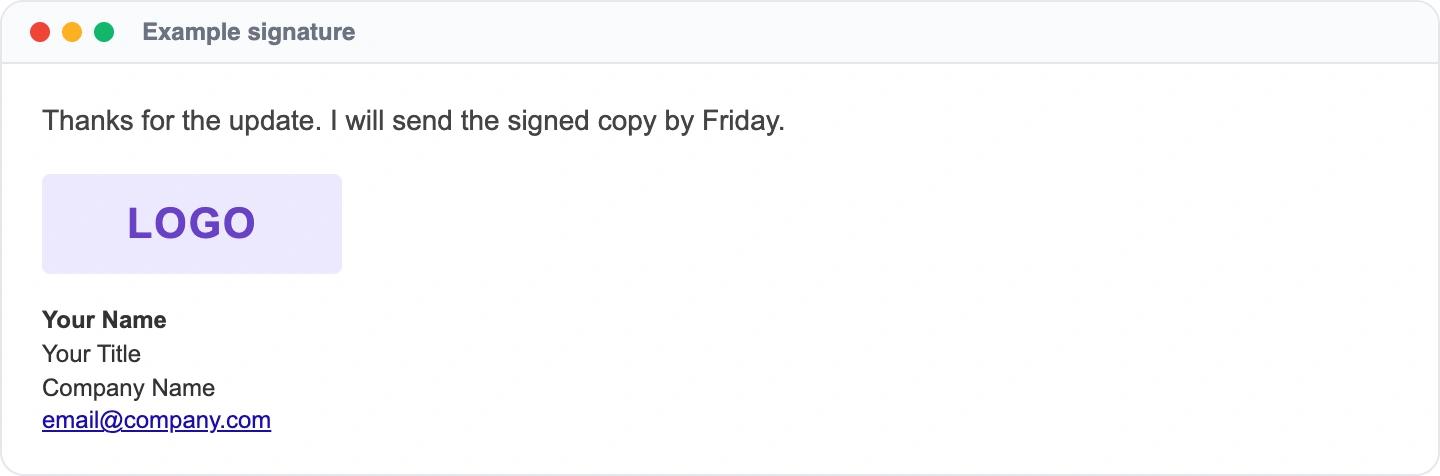
Four short lines under a mid-sized logo keep the whole signature smaller than the logo plus a long contact block. Setup steps: how to add a signature in Spark for Mac.
Logo left, details right
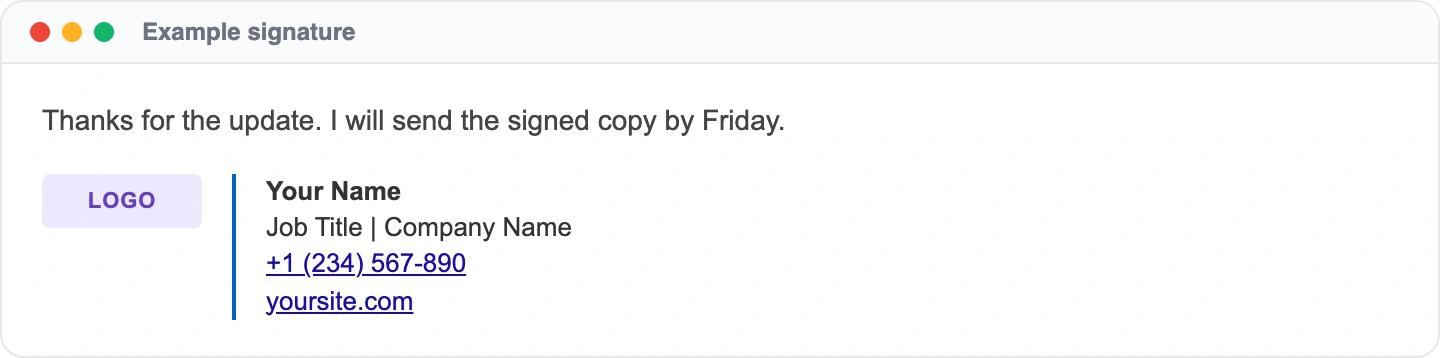
The classic two-column layout uses a table with a colored rule between the logo and the text. Tables are what keep the columns aligned in Outlook. Setup steps: how to add a signature in Thunderbird.
Clean signature that protects deliverability
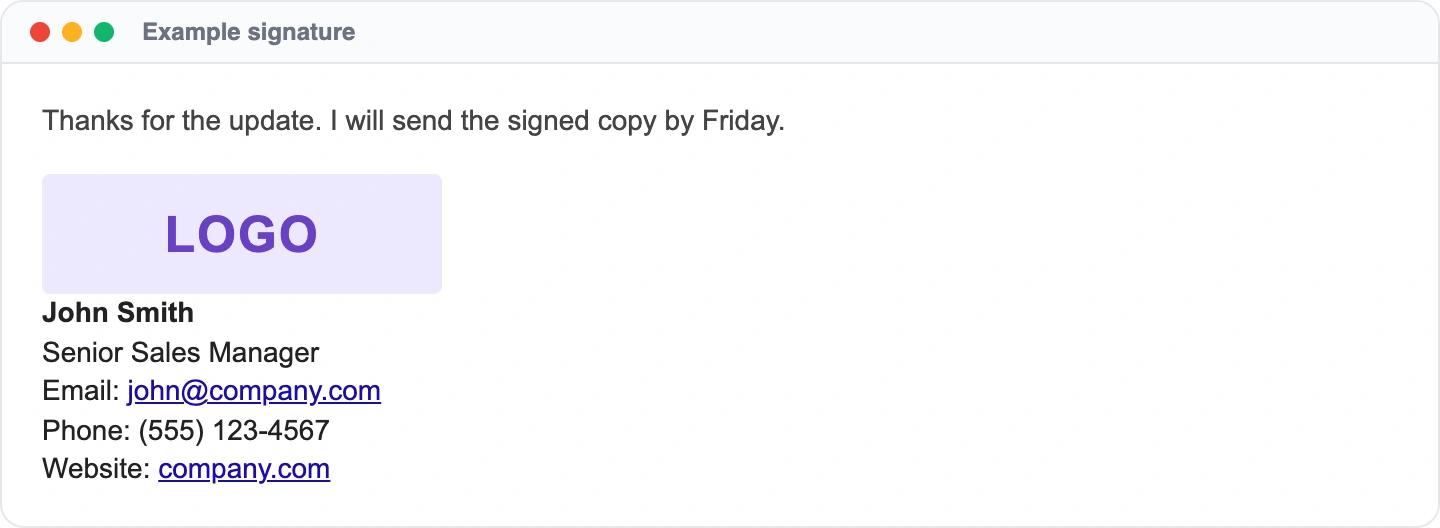
One logo hosted on the web, full links to the company domain and no URL shorteners. It avoids the patterns that hurt deliverability, such as shortened links and images that point at a local machine. Setup steps: how email signatures affect deliverability.
Company signatures filled from the directory
When a signature is rolled out to a whole company, the person's details come from the directory instead of being typed in. These two layouts were built for that.
Directory template for Google Workspace
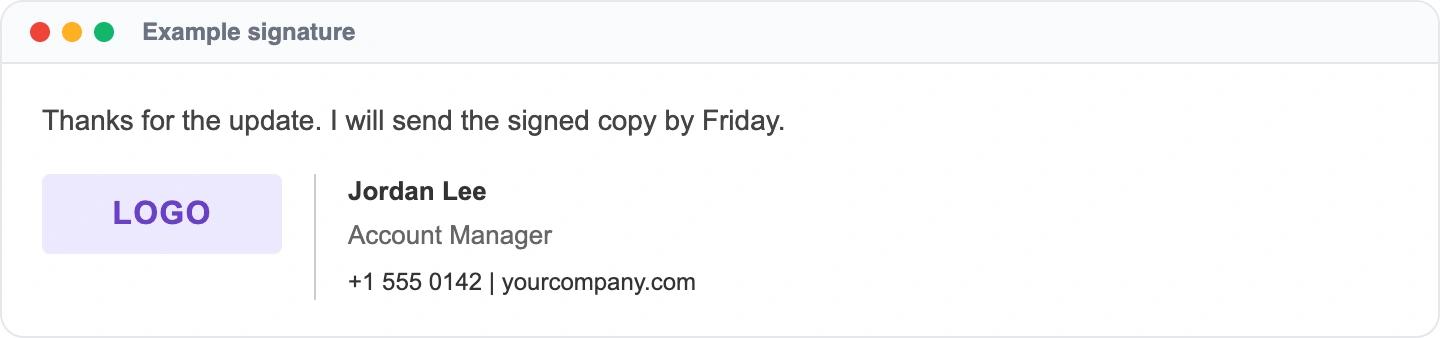
Name, title and phone are placeholders that a script or a signature tool fills in for each employee, so one design serves everyone. Setup steps: how to centrally manage email signatures.
Server-side footer for Microsoft 365
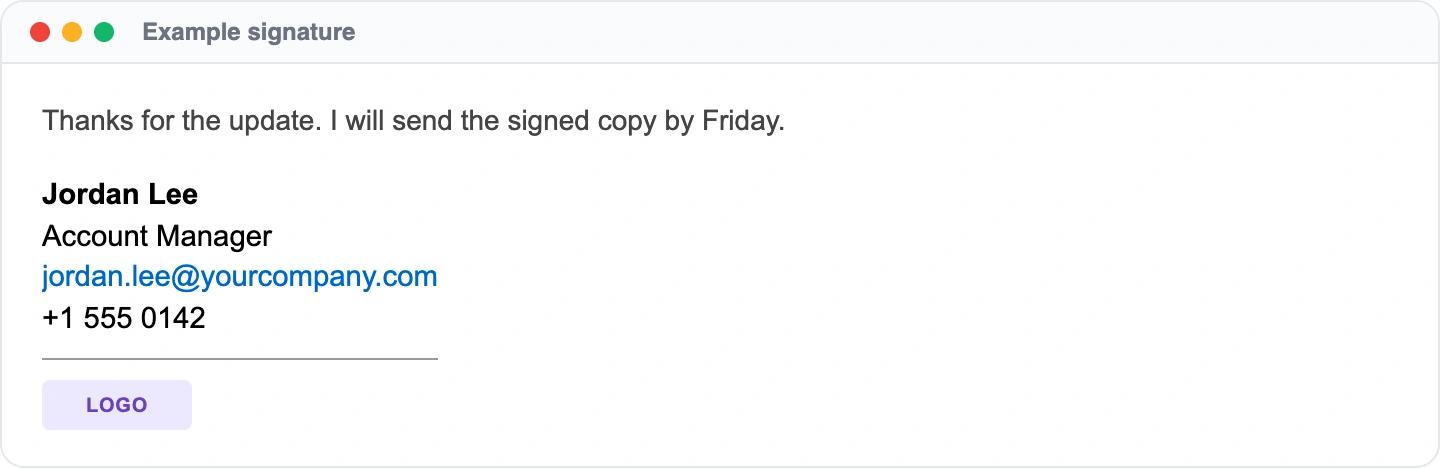
This layout is built for an Exchange transport rule, which inserts Active Directory values such as display name and title into outgoing messages. Setup steps: the Microsoft 365 method in our central management guide.
Signatures with a call to action
Nonprofit signature with a donate button
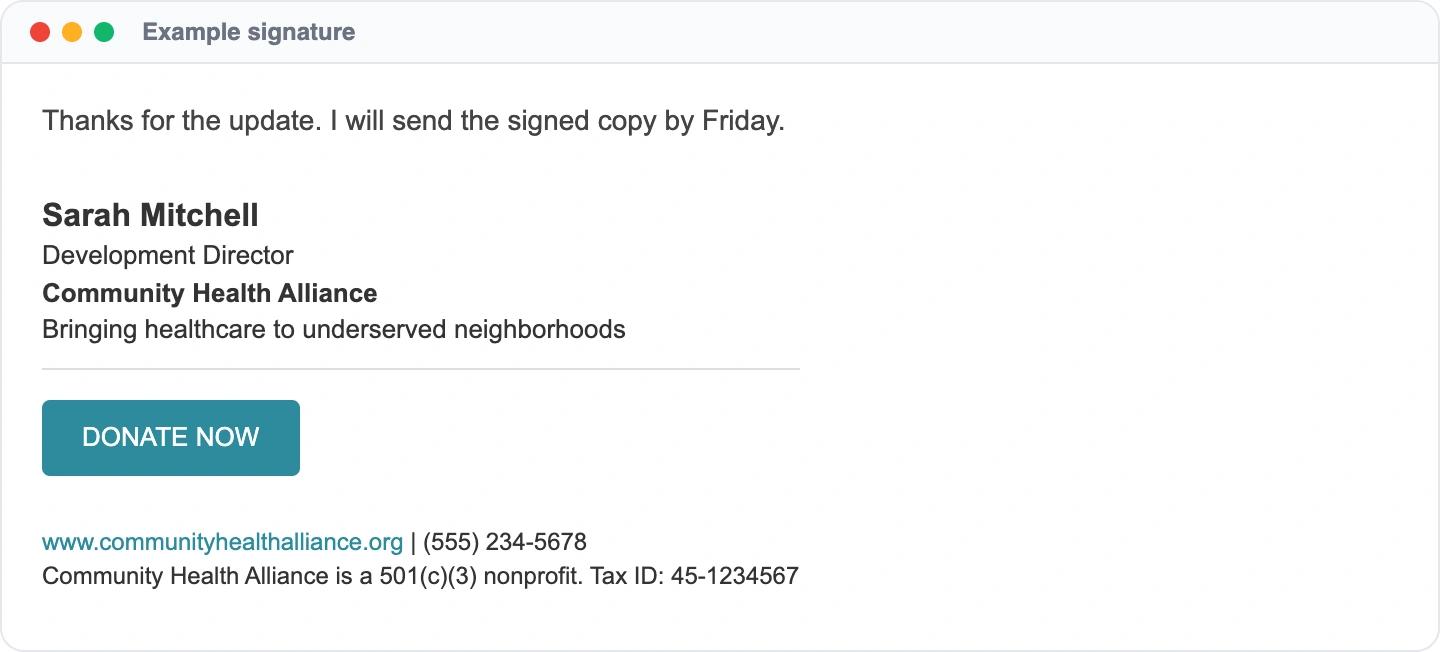
A single colored button between the person and the footer gives every email a way to support the cause, and the registration line answers the donor's first question. Setup steps: email signatures for nonprofits.
Signature with a campaign banner
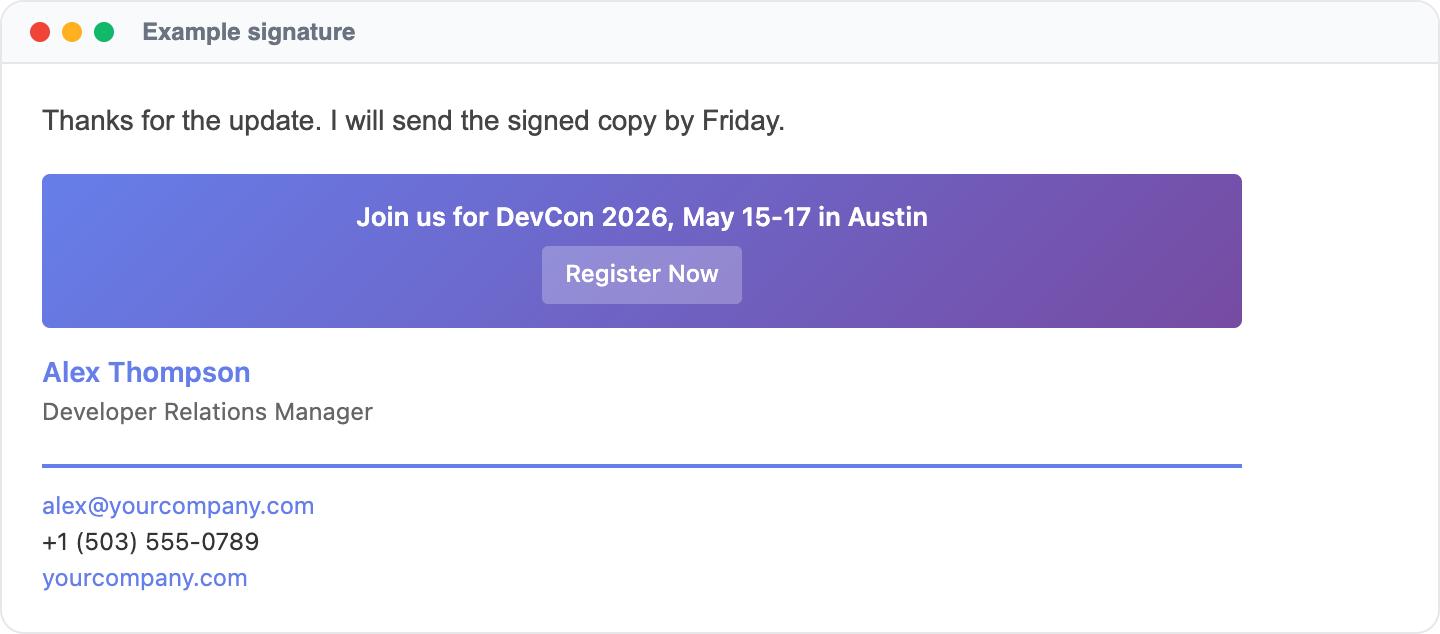
The banner sits above the signature, so it can be swapped for the next event without touching the person's details. Setup steps: email signature management for agencies.
Agency and client signatures
Agencies often run several signature styles at once: their own, one per client brand, and one for contractors.
Agency team signature with a confidentiality footer
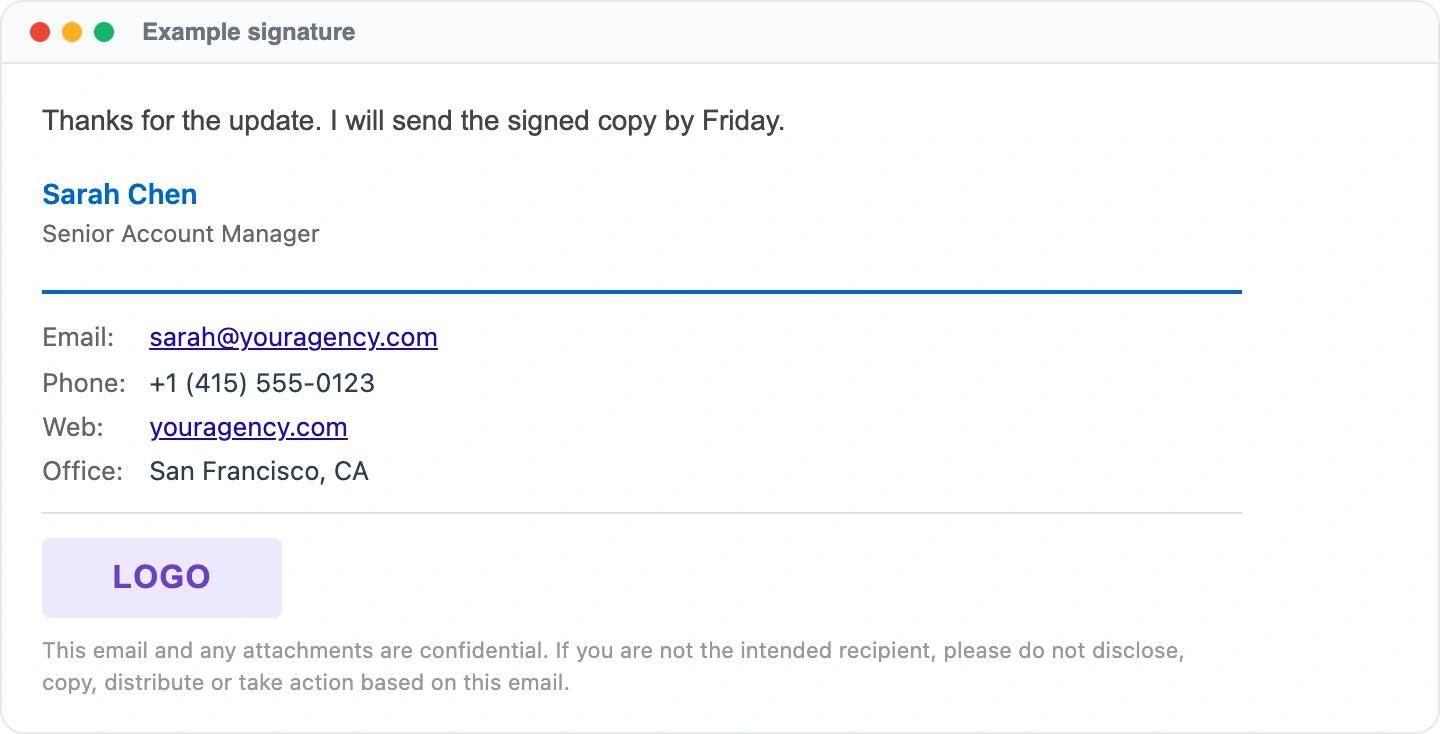
Labeled contact rows, the agency logo and a short confidentiality notice suit teams that send contracts and client files. Setup steps: managing signatures across client accounts.
White-label signature for client work
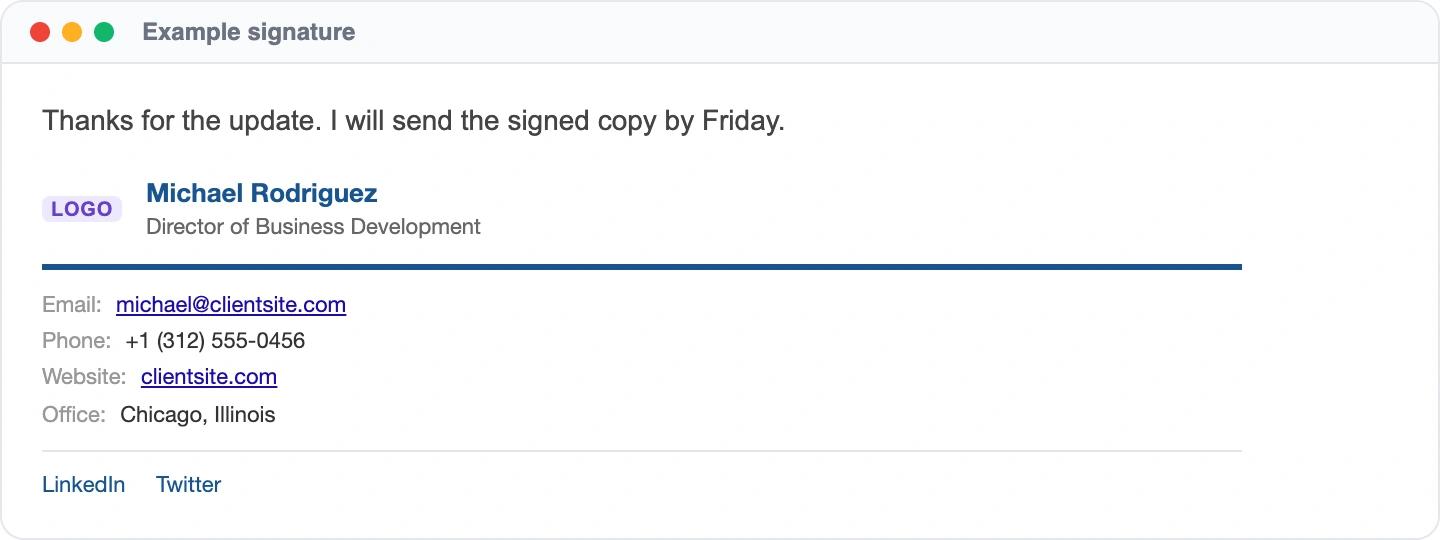
The client's logo and colors replace the agency's, so staff working on a client account look like part of that client's team. Setup steps: the agency signature playbook.
Contractor signature with a role badge
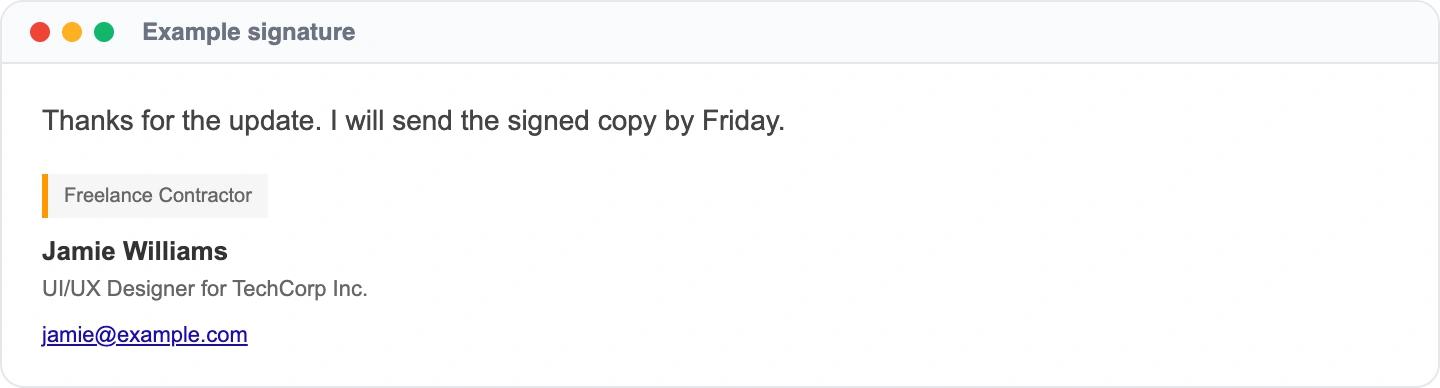
A small badge states the working relationship up front, and the title names the client the contractor is working for. Setup steps: agency signature examples.
How to give your whole team the same signature
Every layout above can be pasted into one mailbox by hand. The trouble starts at five or ten people: each person pastes their own copy, edits their own details, and the copies drift apart the first time someone changes title or office.
A signature management tool fixes this by keeping one approved template and filling in each person's name, title and phone from Google Workspace or Microsoft 365. SyncSignature installs the result in Gmail through the Gmail API and in Outlook through an Outlook add-in, lets you assign different templates to different teams or offices, and schedules banner campaigns with start and end dates. Teams cost $15 a month for up to 5 users, then $2 per user per month, billed annually.
FAQ: HTML email signature examples
What should an HTML email signature include?
A name, job title, company, one phone number and a website link cover what most recipients need. A logo is optional. Add a legal disclaimer if your industry requires one, and keep everything else out so the signature stays short on a phone screen.
Do HTML signatures work in every email client?
Simple ones do. Text-based layouts like the first four examples render reliably in Gmail, Outlook, Apple Mail and Yahoo Mail. Background colors, gradients and custom fonts are where clients disagree, so test any layout with those in each client your recipients use.
How do I copy one of these designs?
Each example links to the guide it comes from, which covers how to add a signature in that email client. Build the layout once, check it in a test email, then add it to your account.
How do I give every employee the same signature?
Pasting by hand works for a few people but breaks when titles, phone numbers or offices change. A signature management tool keeps one approved template, fills in each person's details from the company directory, and installs it in every mailbox. SyncSignature does this for Google Workspace through the Gmail API and for Microsoft 365 through an Outlook add-in.
Share this post